





32" Cozyla Calendar Plus Go
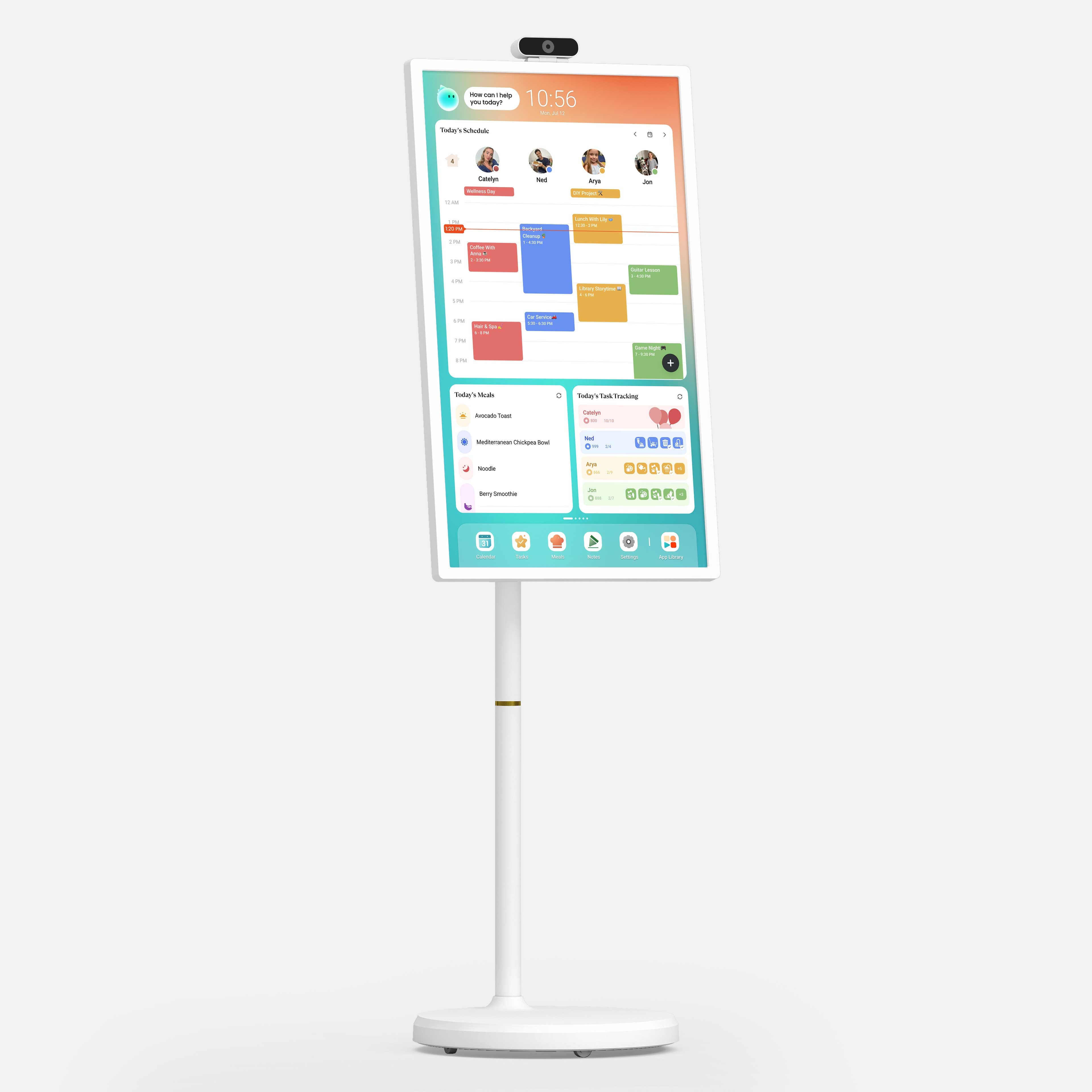
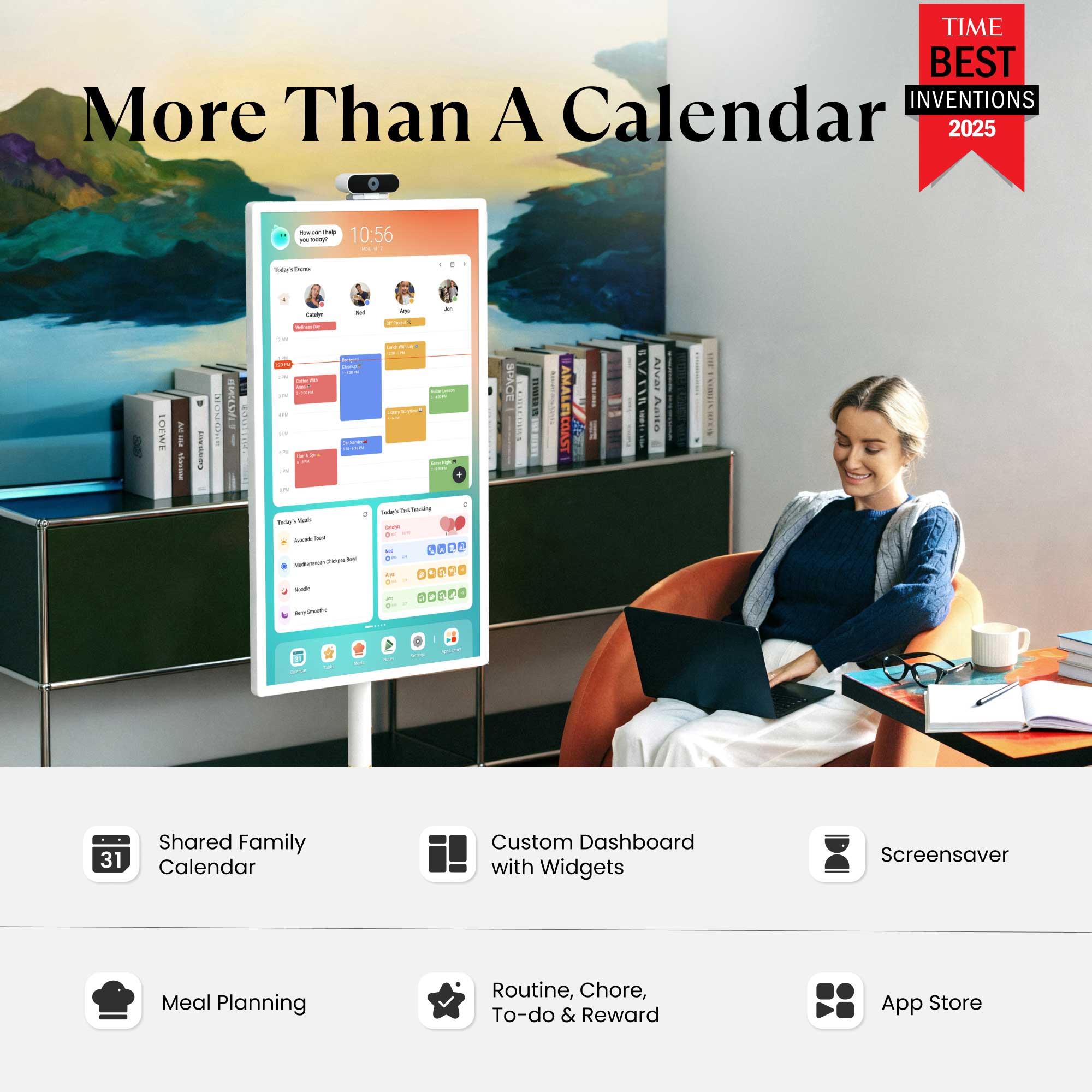
The Calendar Plus 2 brings together every family member’s schedules, to-dos, routines, chores, and meal plans into one smart display powered by CalendarOS, now with Cozyla Agent! Paired with a wall-mounted rotating bracket, it’s ideal for kitchens, dining areas, or shared family spaces.
WHAT'S IN THE BOX?
- Cozyla Calendar Plus 2
- Power Adapter
- Rotating Wall Mount
- User Manuals
Ships within 1-2 business days
30-day risk-free trial
1-Year Warranty
32" Cozyla Calendar Plus Go

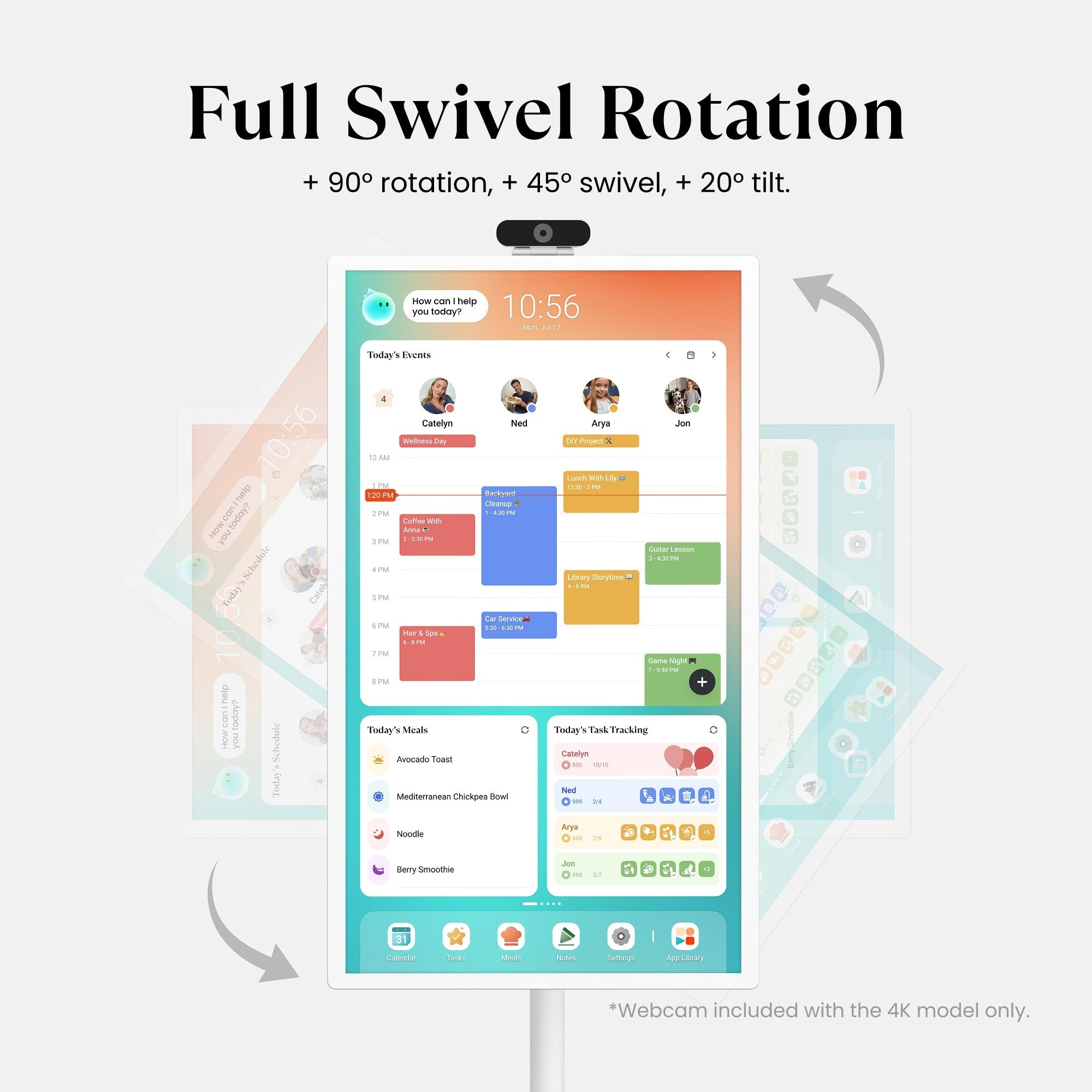
"Display all the details day by day, color-coded by household member."

"Cozyla can be whatever you make of it."

"With calendar, task, meal planning, shopping, streaming ... it's a useful tool to help you get organized."
Calendar
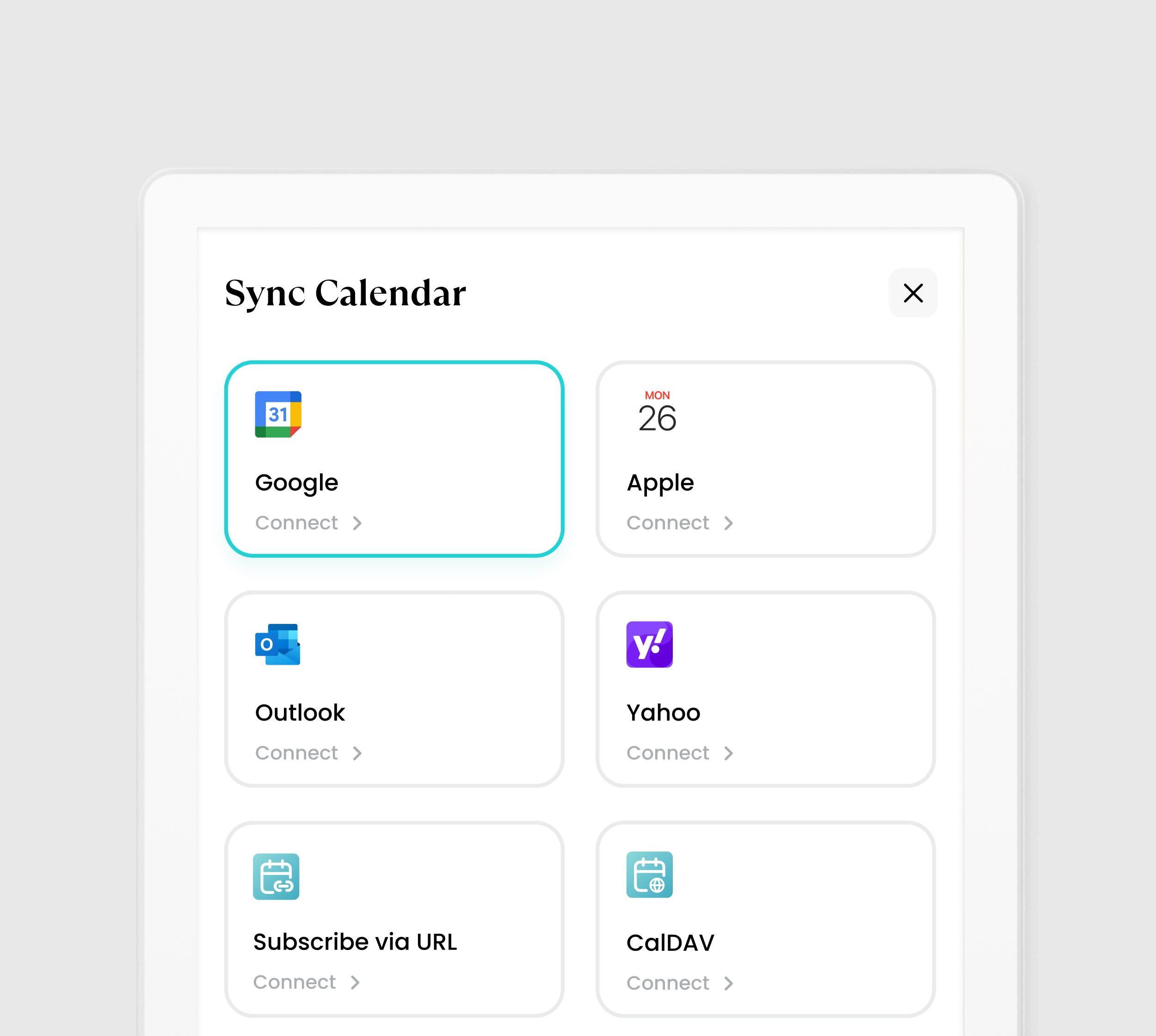
Automatically sync your family life across Google, iCloud, Outlook, Yahoo, and more!
Shared Calendar
Your calendar is always perfect. Every change syncs instantly across all your platforms (iCloud, Google, and more). Stay organized and never double-book again!
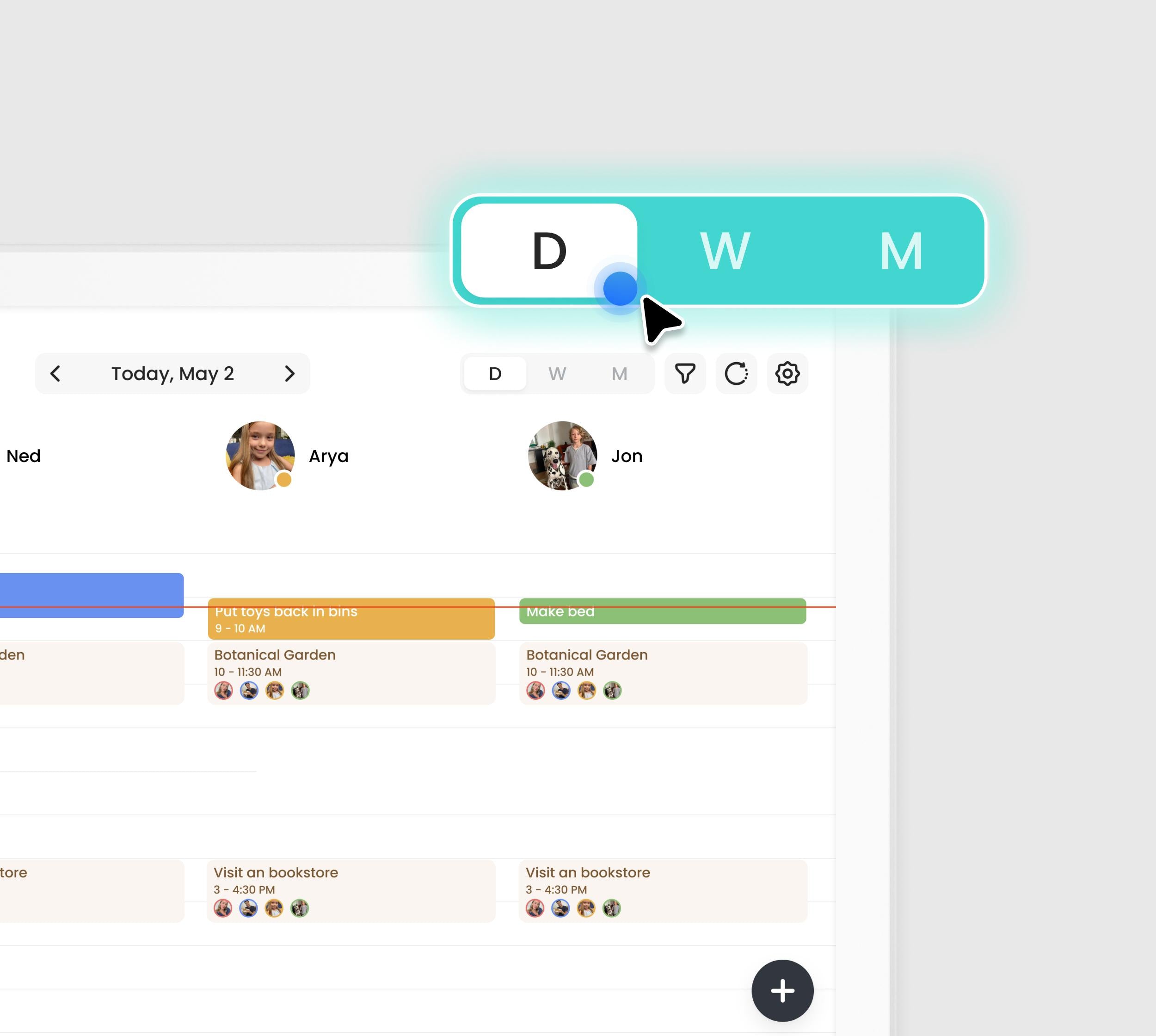
Day/Week/Month View
Flexibility to plan your way. Quickly switch between Day, Week, or Month views. Instantly toggle between your personal schedule and the full group view.
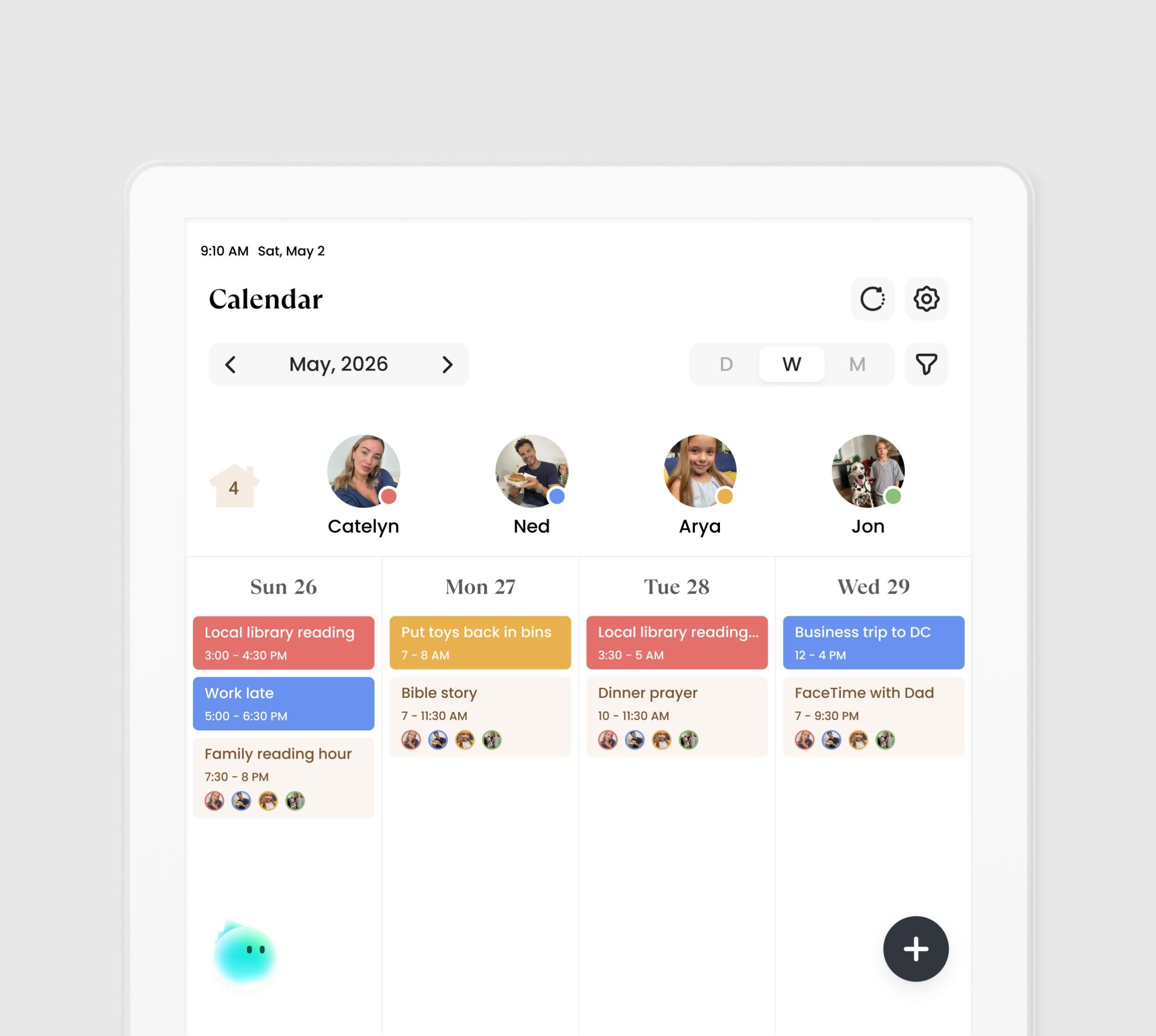
Visual Color Tags
Organize the chaos. With one unique color for every family member, your schedule instantly transforms into an easy-to-read chart. Know who is busy and where they are with zero effort.
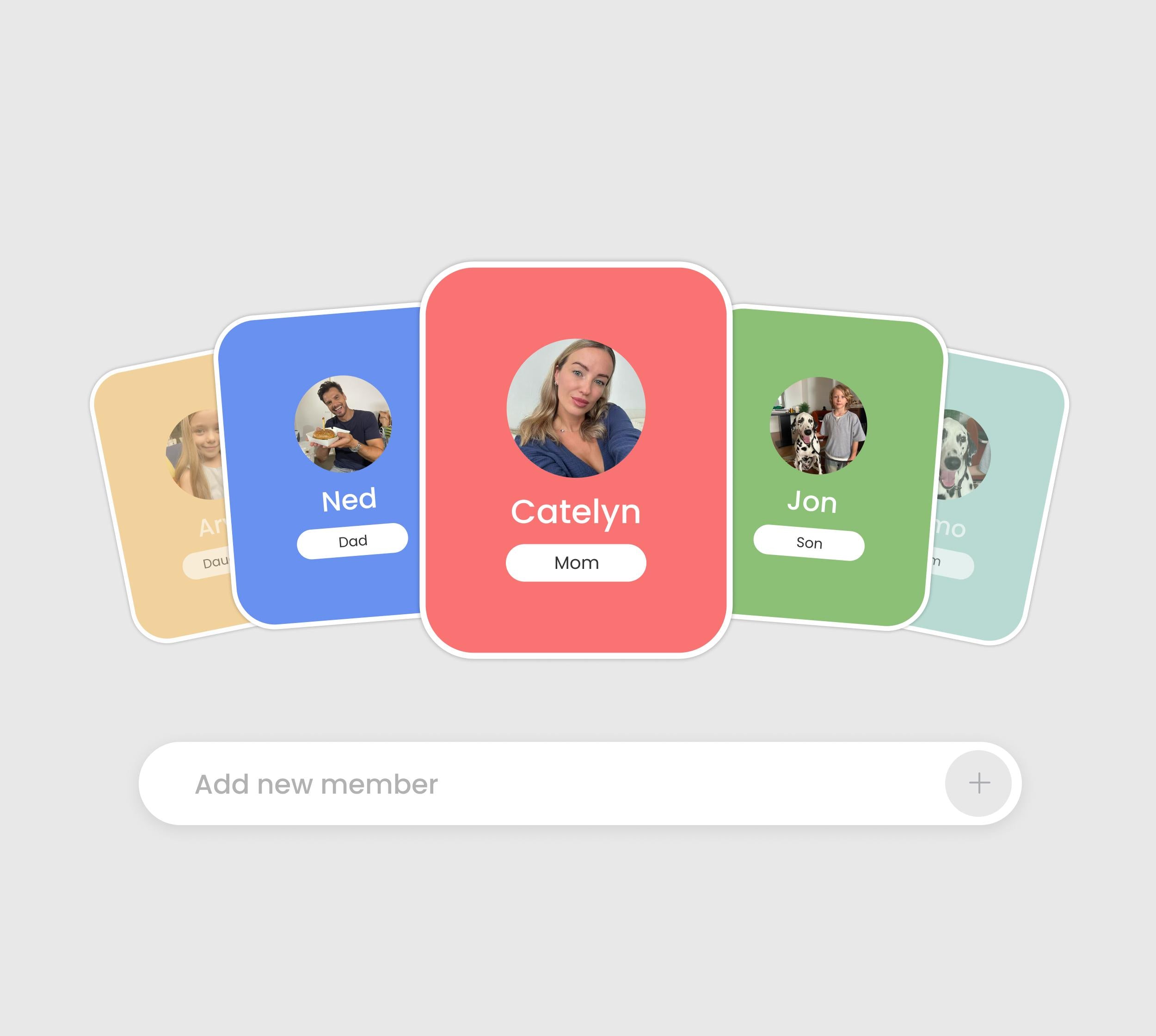
Family Profiles
One calendar, up to 8 profiles. See everyone's schedule at once. Easily know who's busy or available for instant family planning.
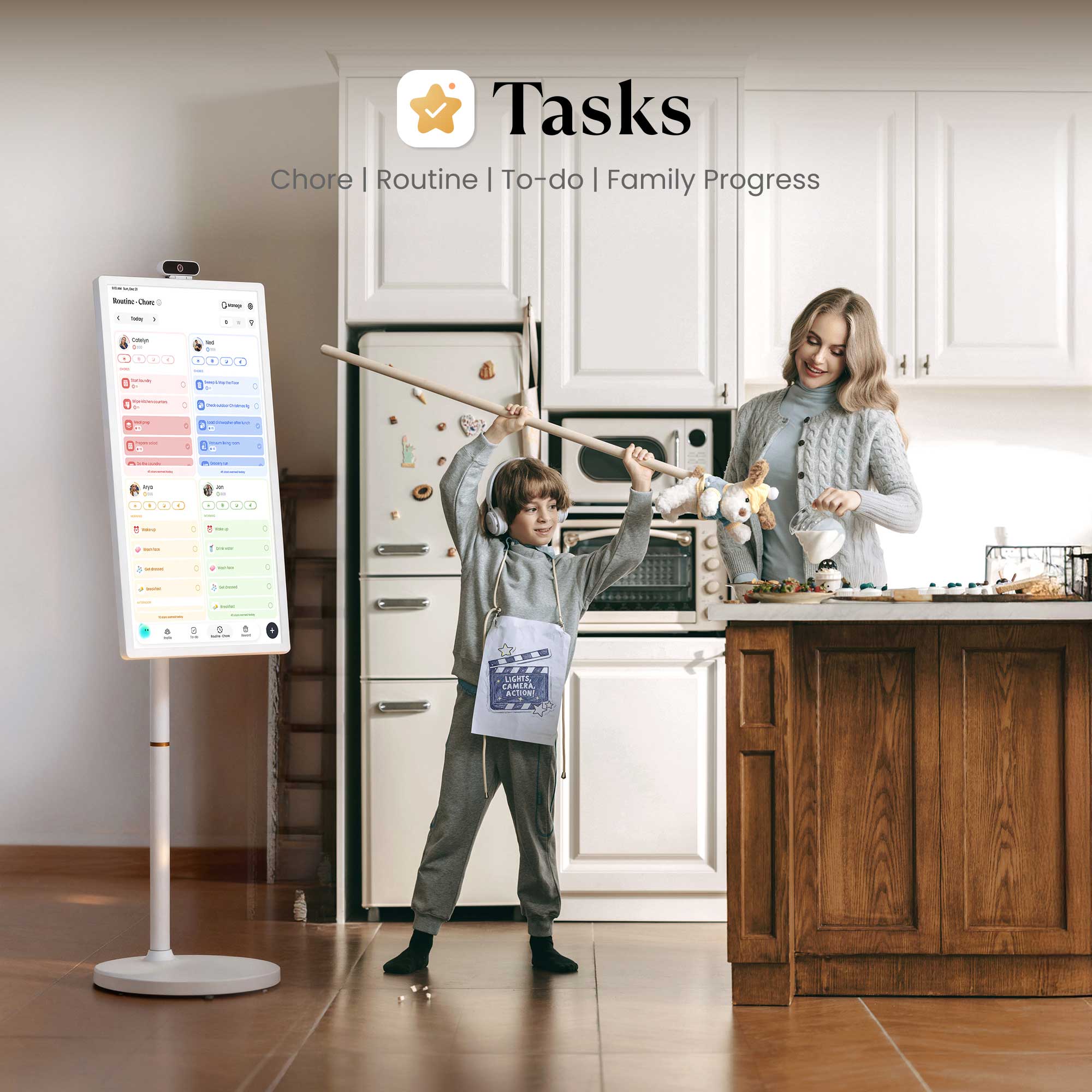
Tasks
Chores for kids, peace for parents, turning "should do" into "want to."
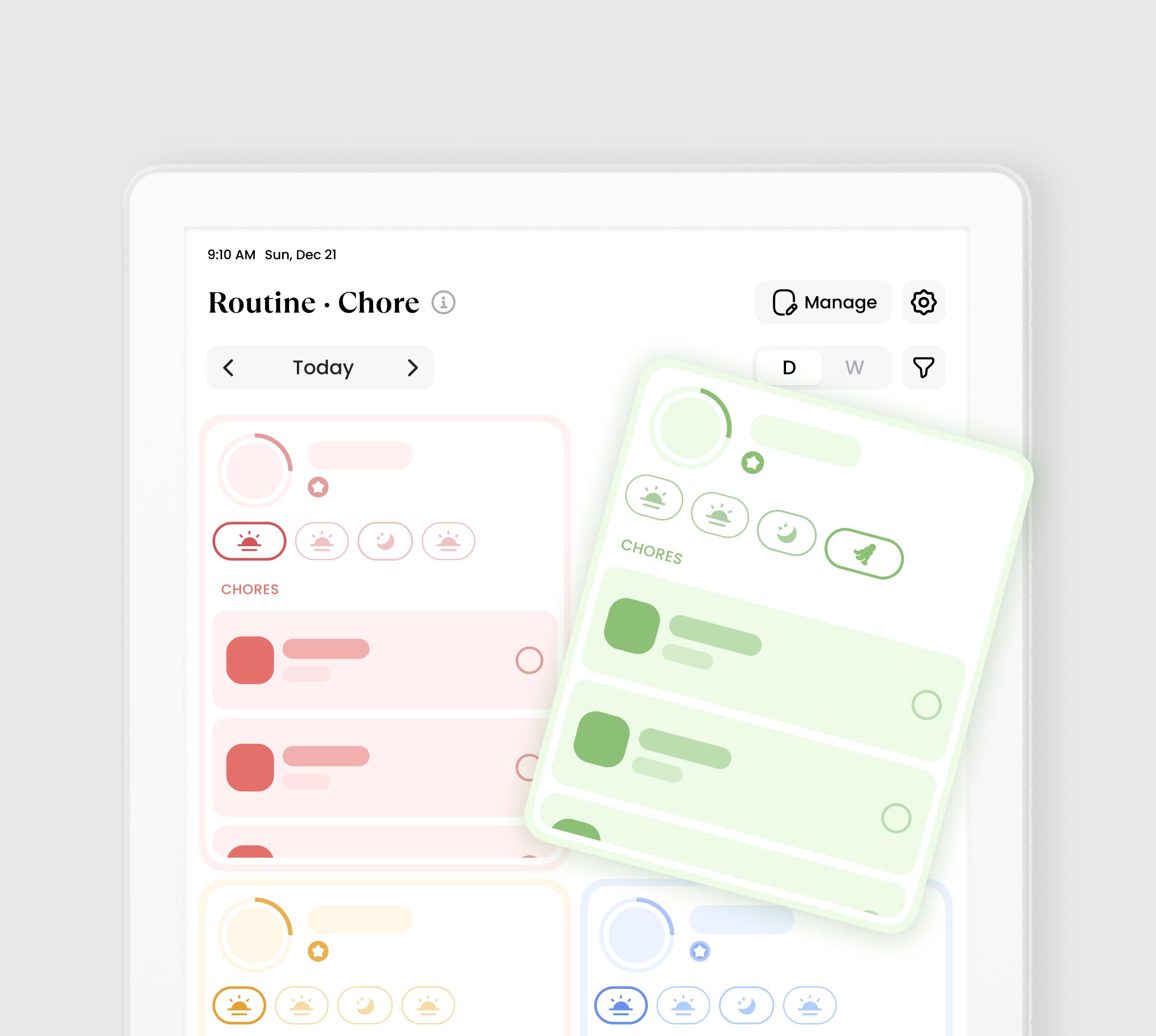
Chore·Routine
Chore:
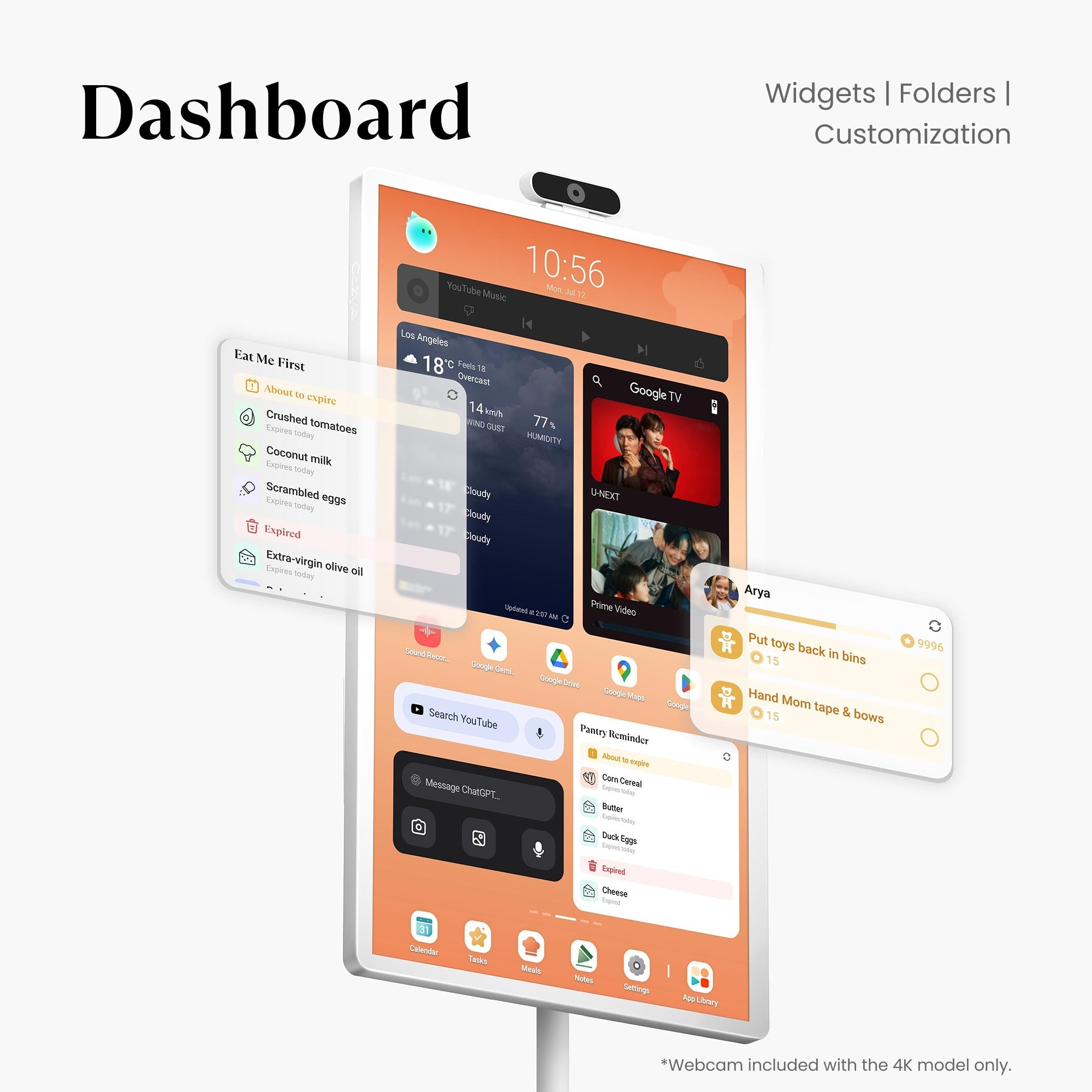
- Make chores fun. Assign family members tasks and motivate them with points. Dedicated Chore Widgets show today's to-do list, personal status, and progress at a glance.
Routine:
- Build better daily habits with recurring tasks. Use simple drag-and-drop to effortlessly reorder and adjust priorities, optimizing your family's routine with ease.
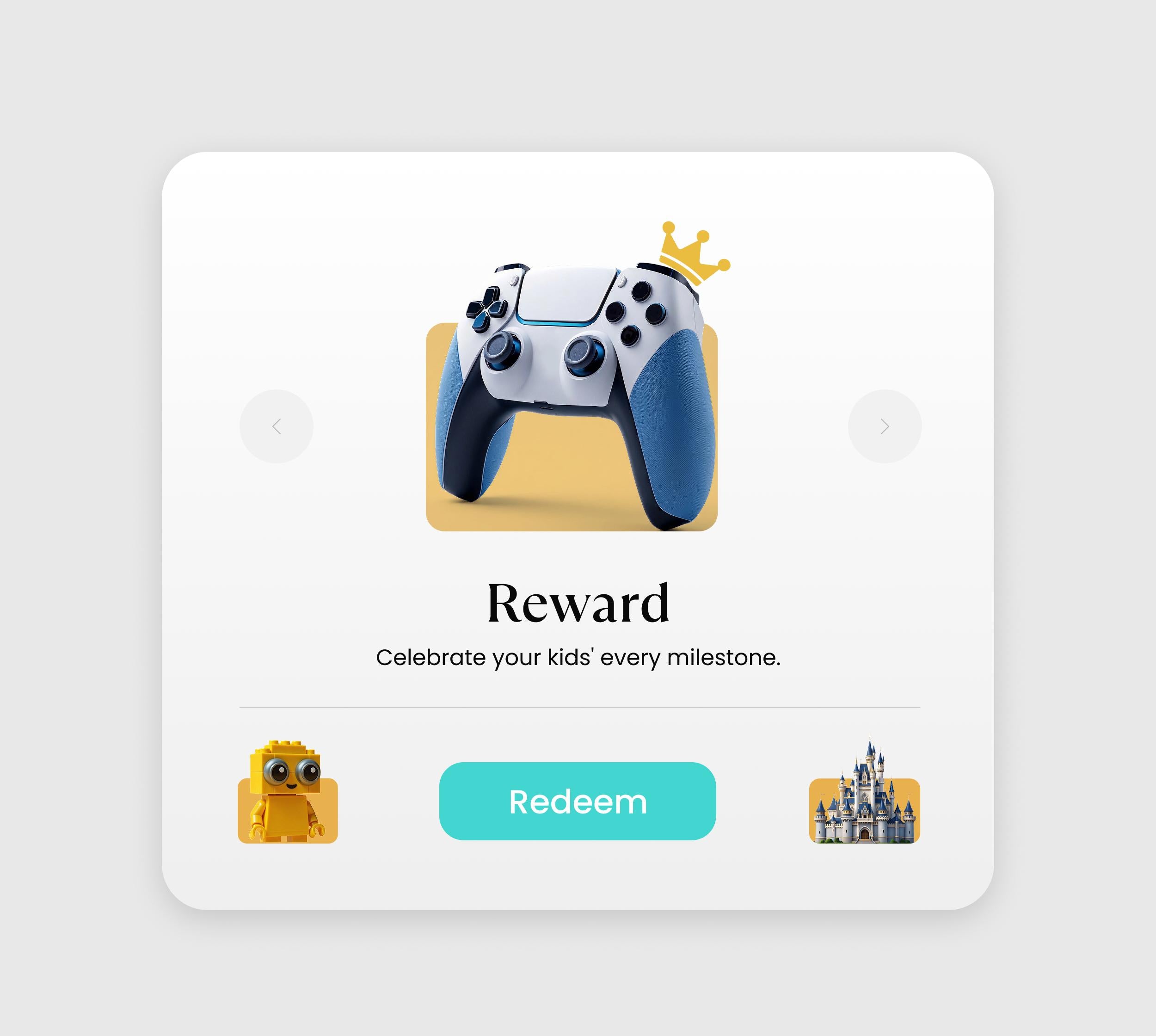
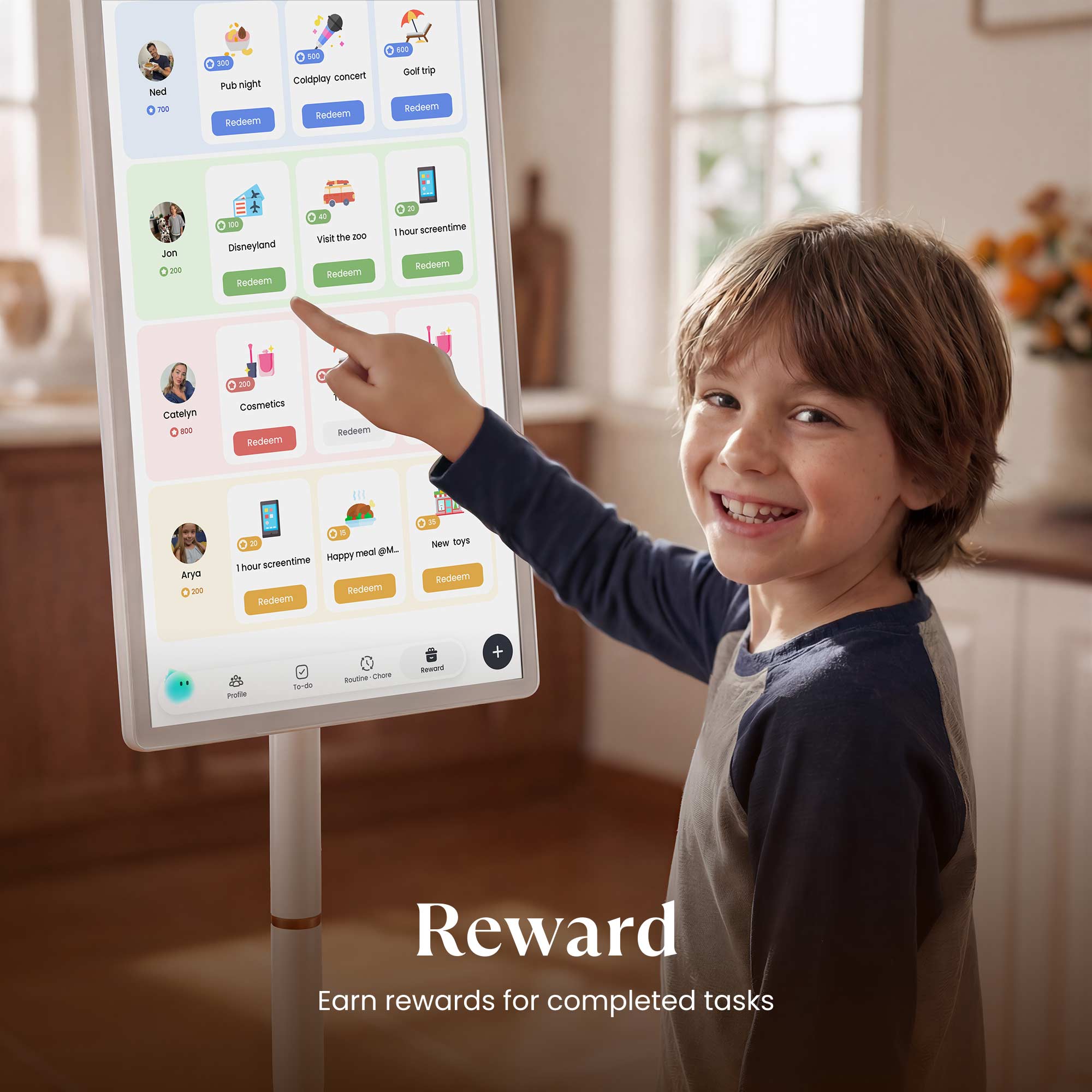
Reward
Gamify your day! Completing tasks earns stars and fun emojis. Let your family save them to unlock exciting, custom rewards you define together.
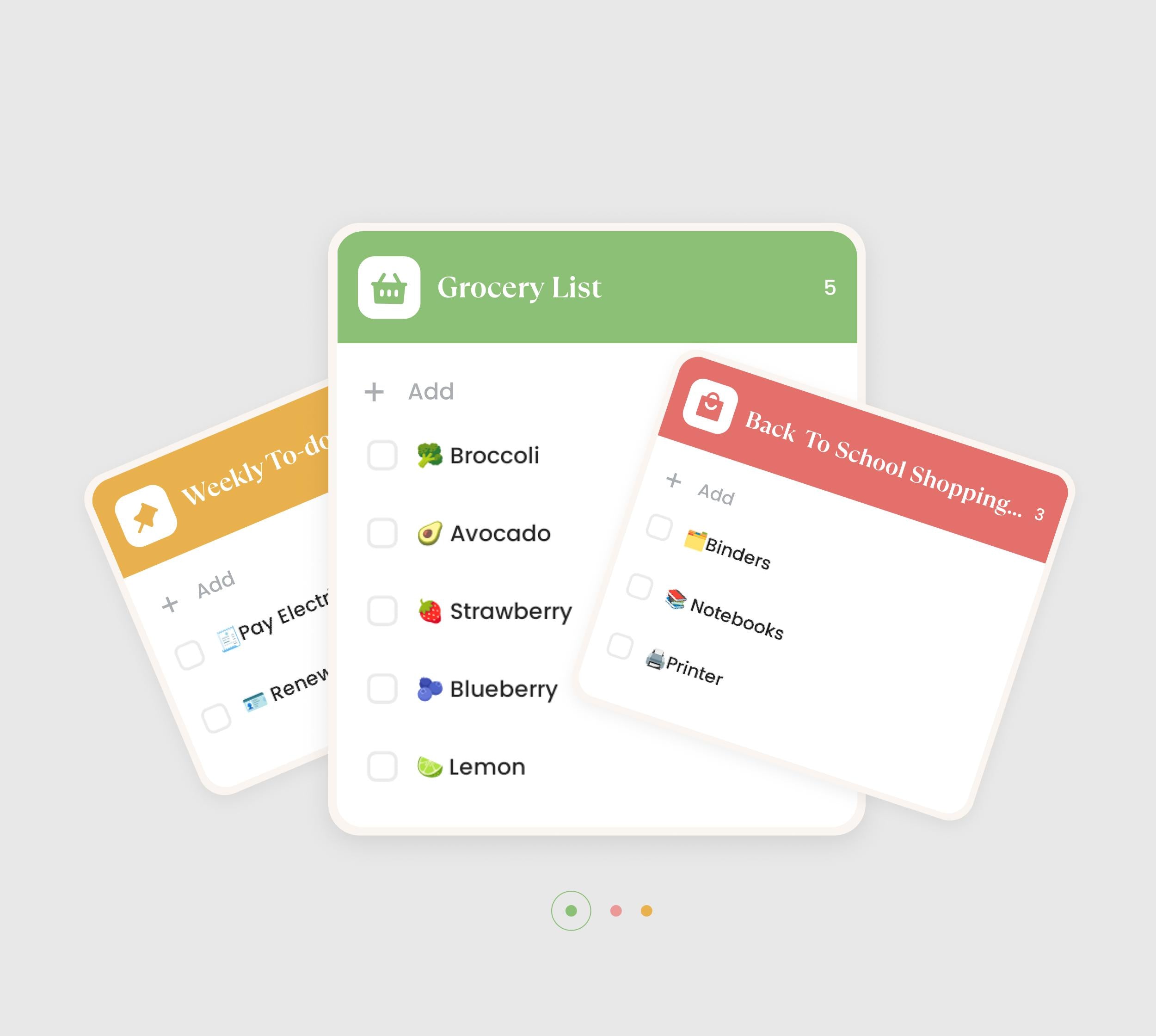
To-do
Easily organize one-time tasks! Keep your day flexible while maintaining clarity on what needs to be done—so nothing slips through the cracks.

Family Progress
Celebrate progress together. A Family Progress Widget displays each member's stars, visualizing how far everyone has come.
Meals
Elevate your culinary inspirations through step-by-step recipe tutorials!
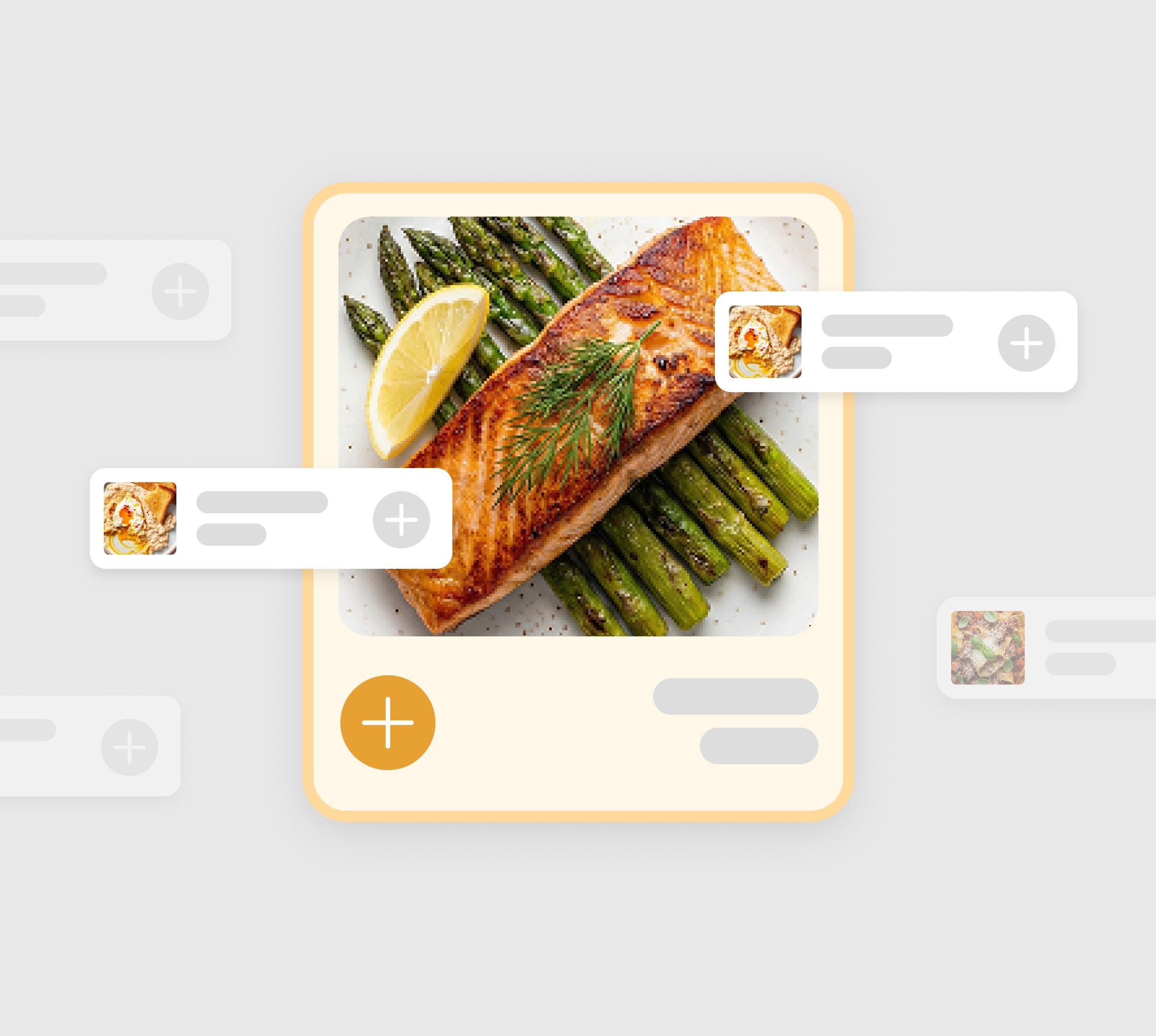
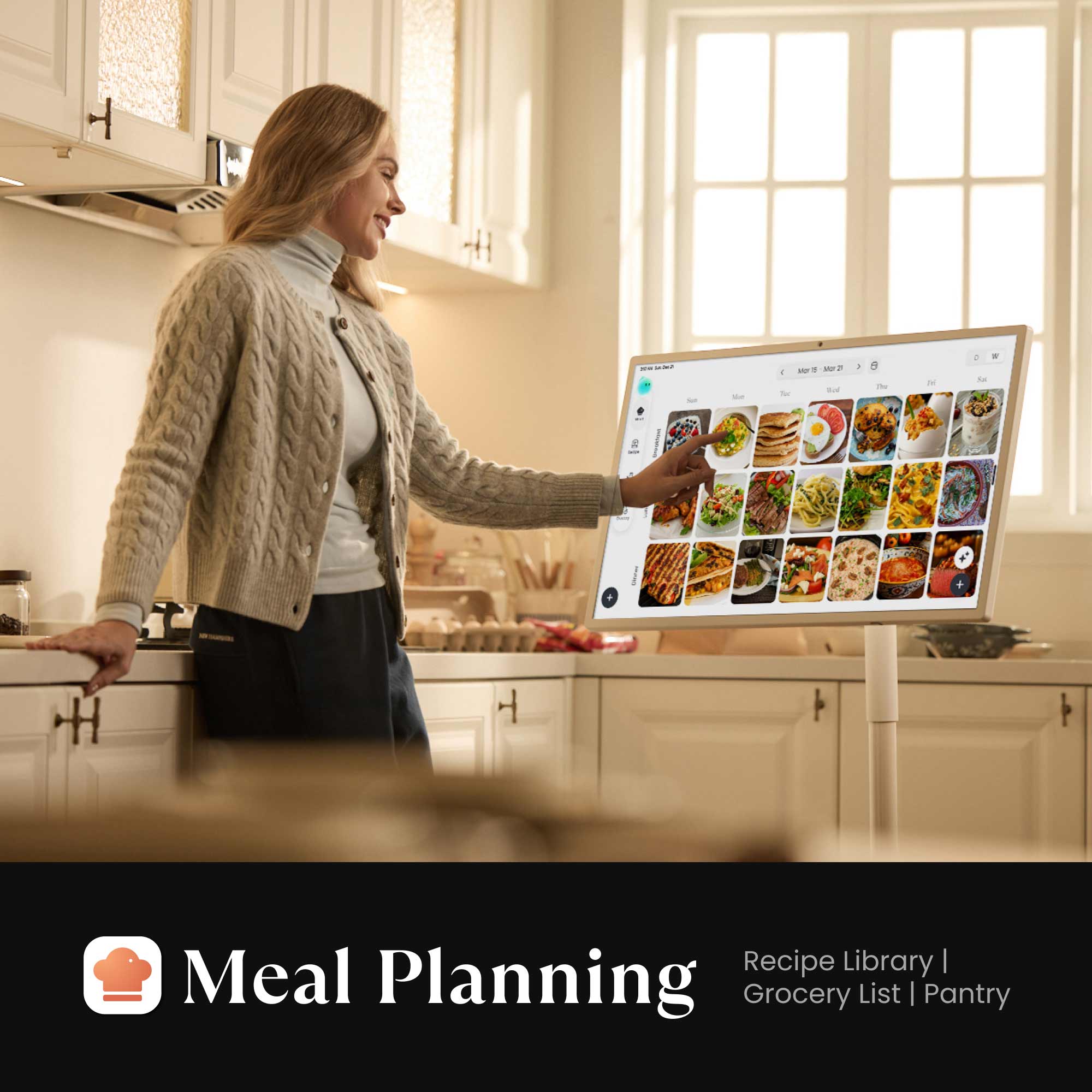
Meal Planning
Organize meals with ease and take the stress out of “what’s for today.” Save time, reduce waste, and keep your family’s nutrition balanced with thoughtful planning.
Grocery Lists
Simplify every grocery trip. Turn any recipe into a shopping list with just one tap. Check off items as you go for a smarter way to shop.
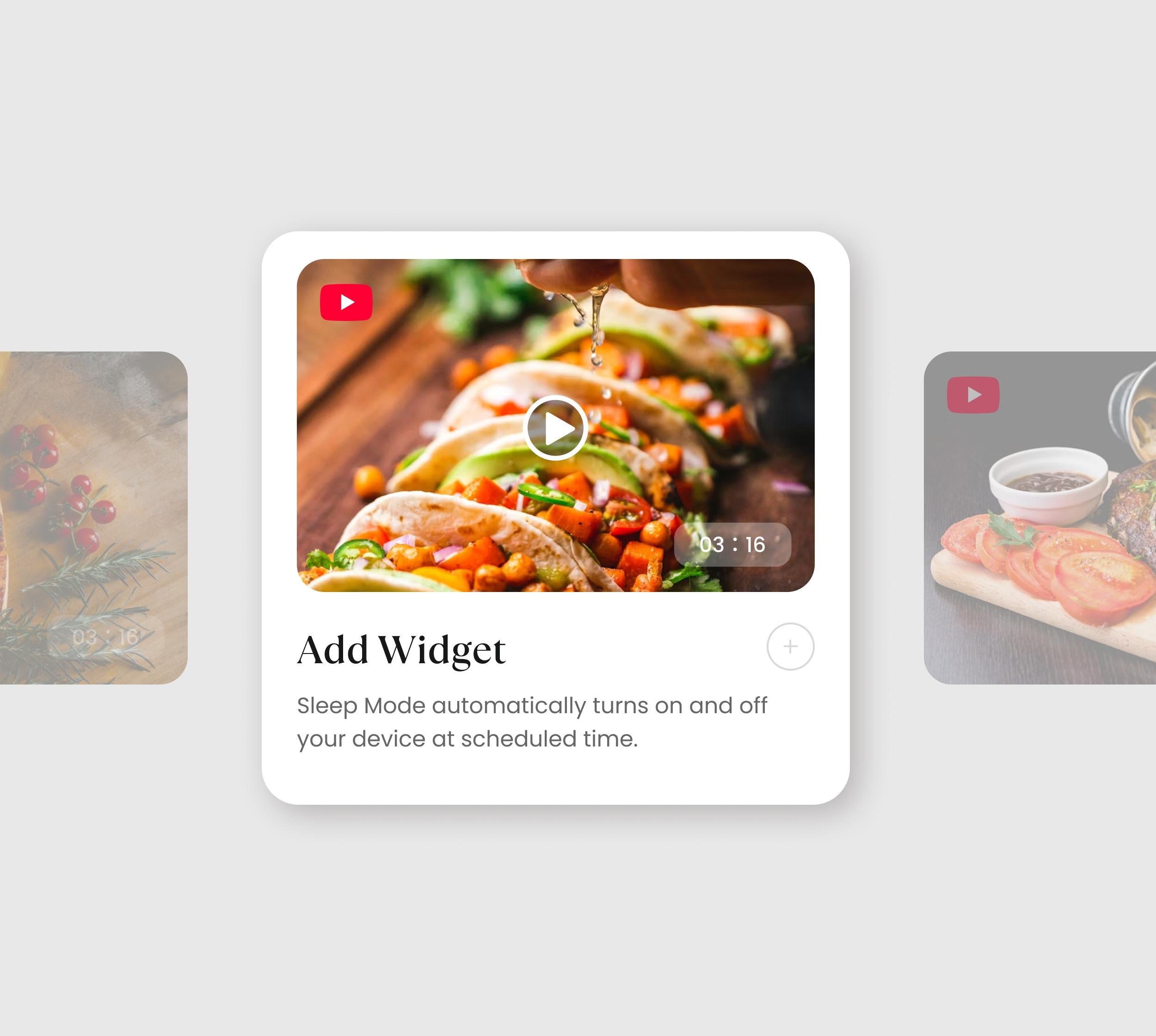
Recipe Library
Never run out of dinner ideas. Browse featured dishes, or easily save your own family favorites. Follow simple step-by-step instructions and YouTube videos for effortless cooking inspiration.
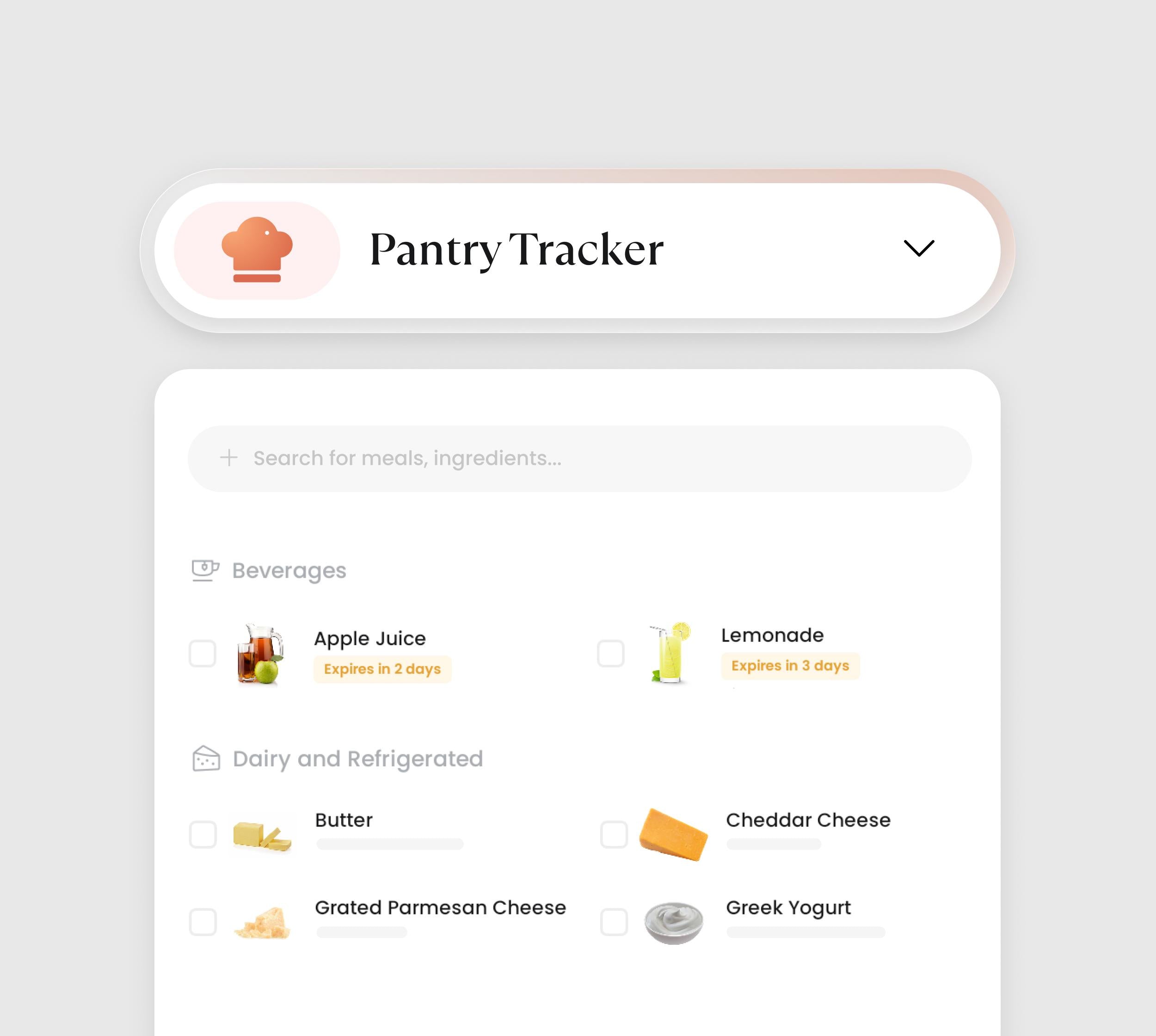
Pantry Management
Organize your kitchen. Easily track what ingredients are running low and get reminders for upcoming expiration dates. This ensures you never buy what you already have or waste food again.
Dashboard
Your hub, your way. Personalize your Family Hub by adding the information that matters most to every member of the household.
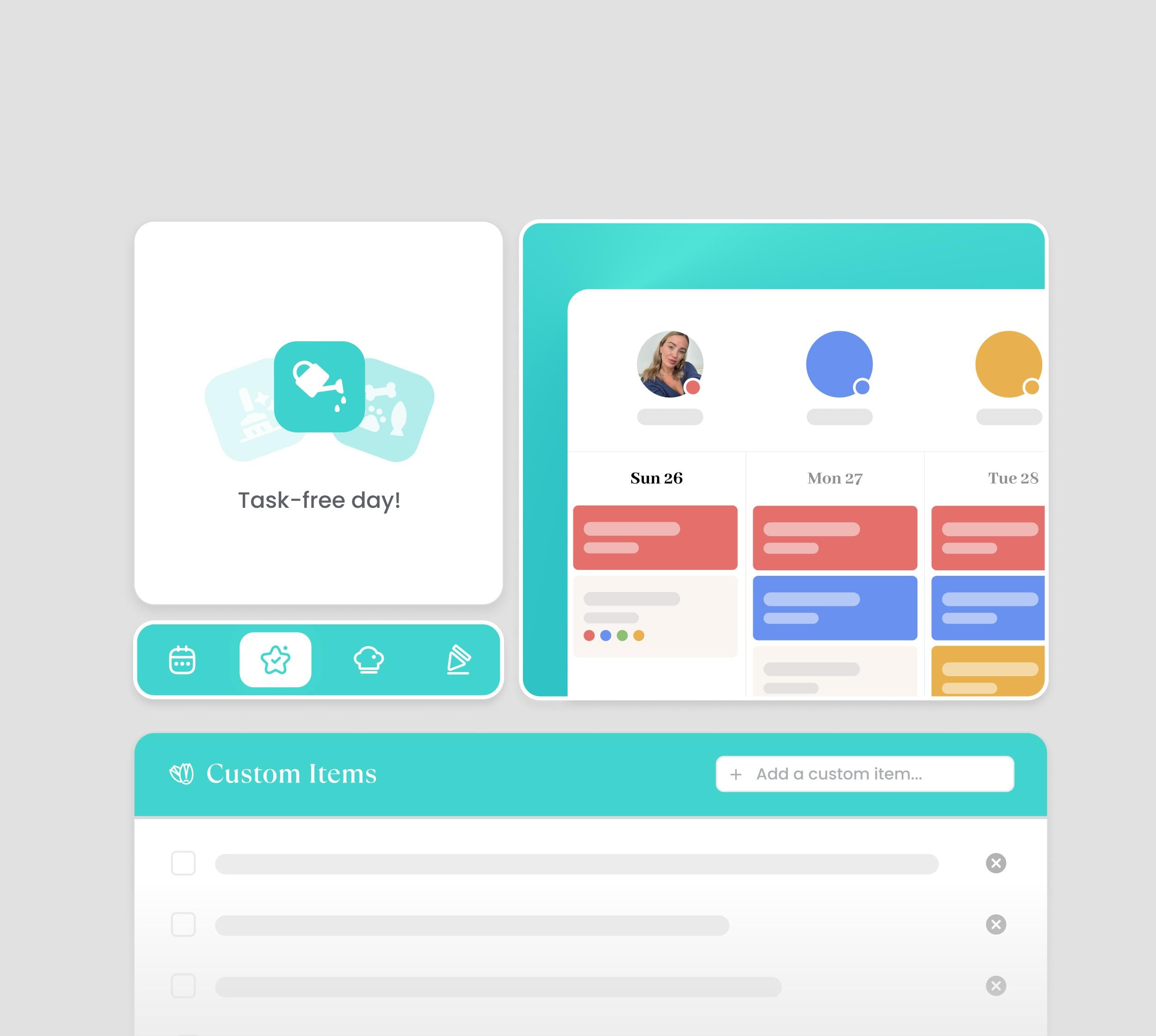
Custom Widgets
Custom widgets build your perfect family command center. Place, resize, and arrange all core features freely to create a layout that fits your daily use.
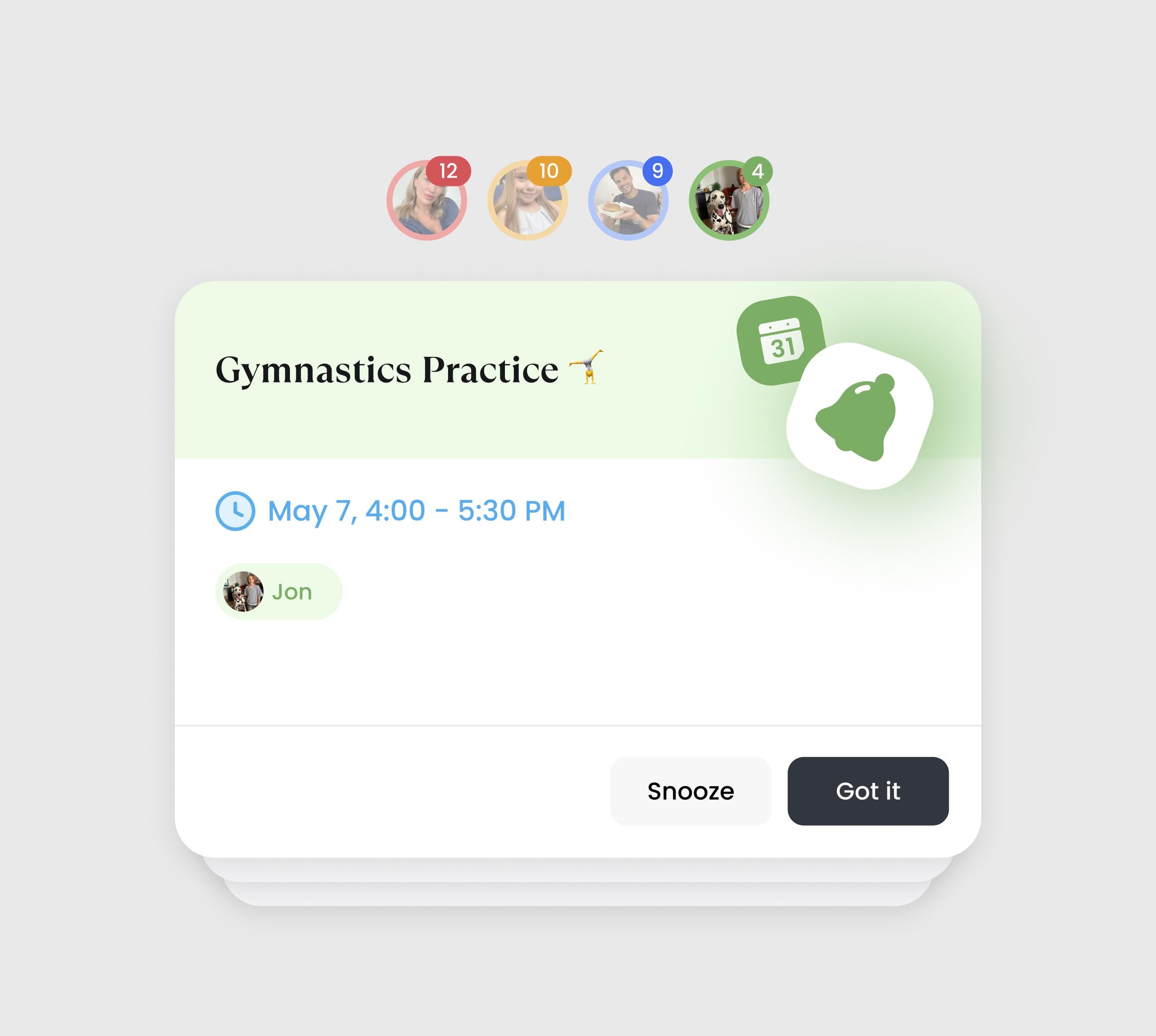
Enhanced Notification
Reminders that ensure every task, event, and responsibility reaches the right person at the right time—so everyone stays informed and on track.
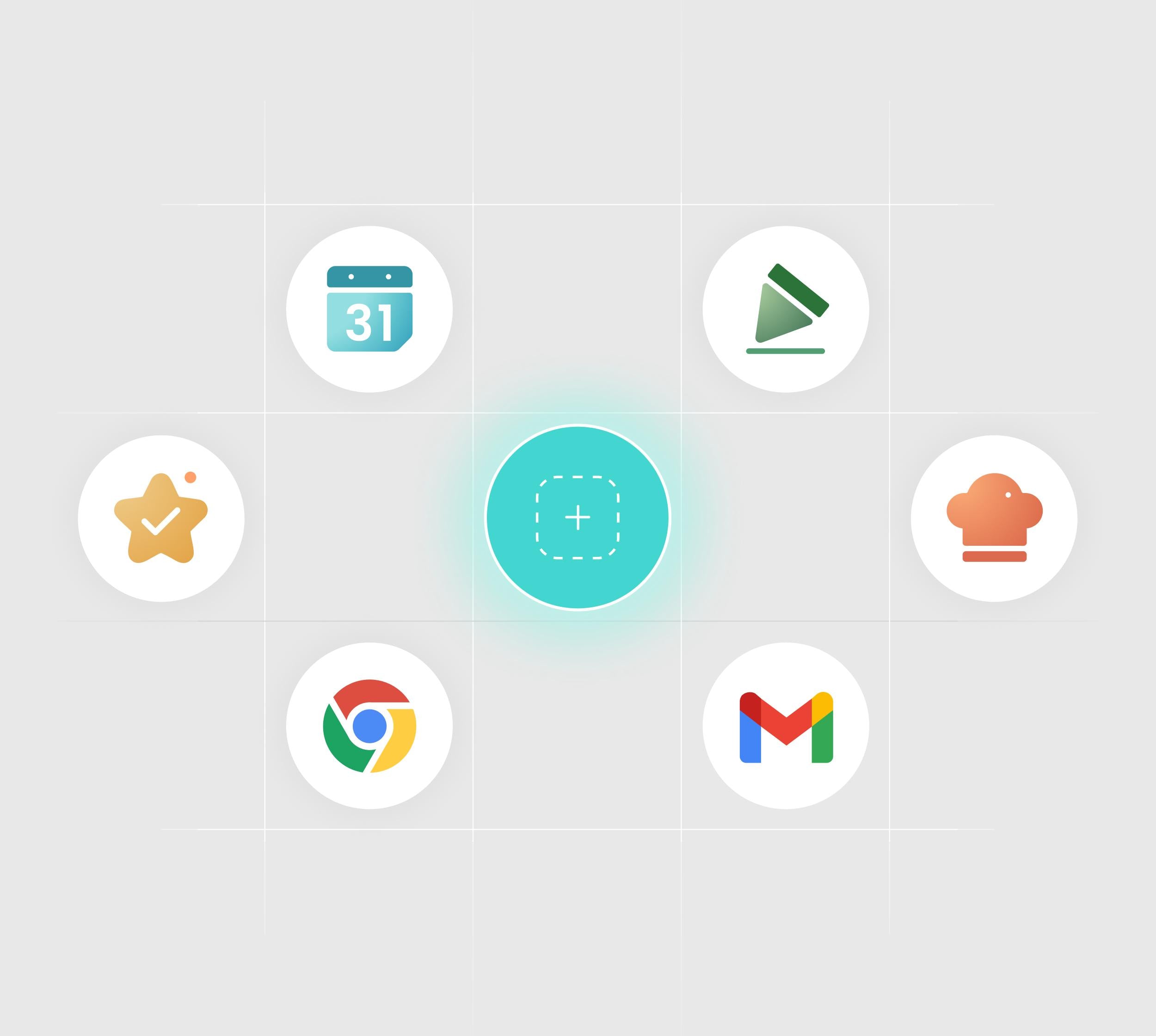
App Folder
Keep your essentials one tap away. Add shortcuts for the apps you use most. Group them into simple folders for fast, clutter-free access to everything your family needs.
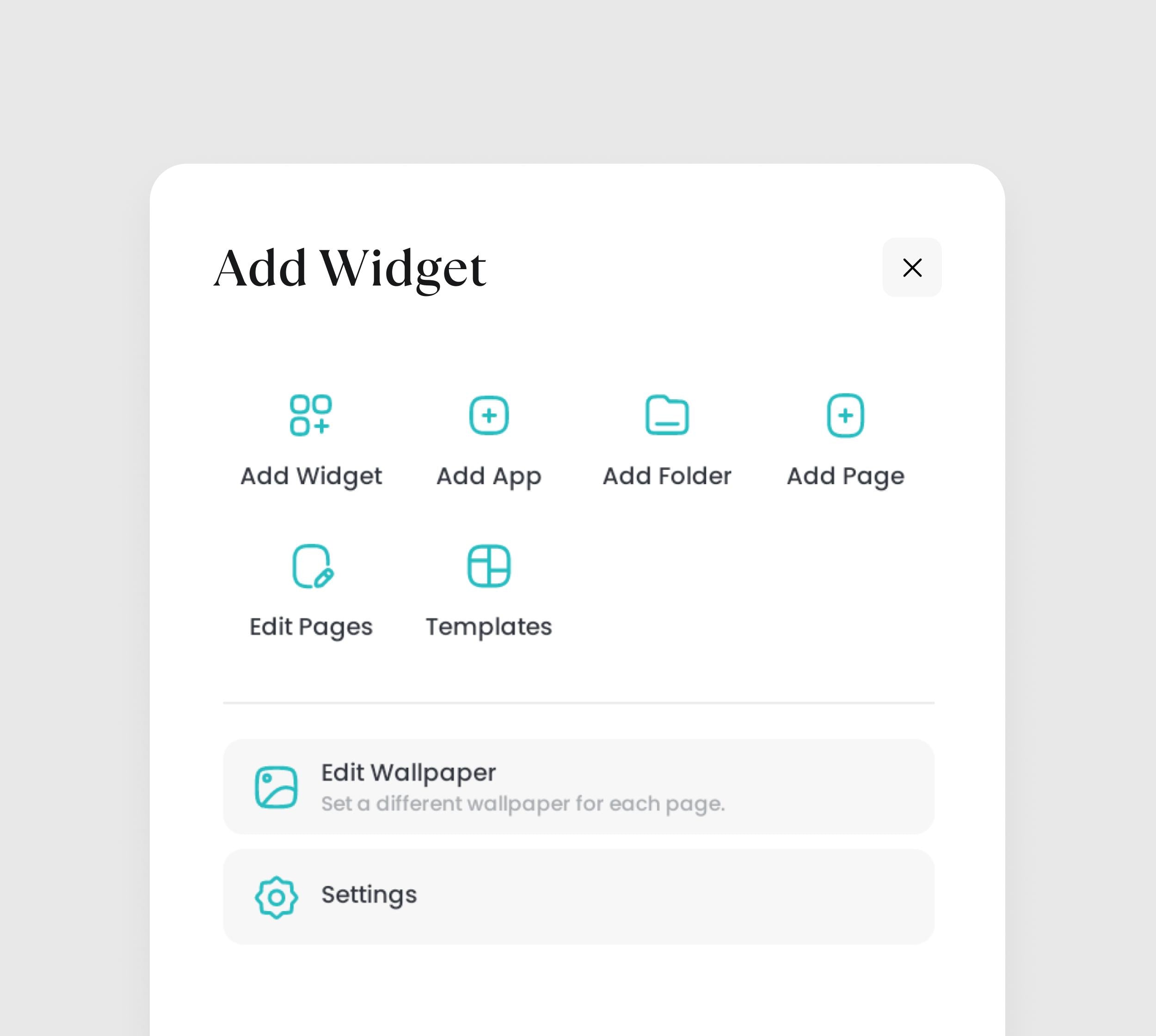
Layout Customization
Take full control over your Calendar+ 2. Create or reorder multiple pages for various needs. On each page, intuitively add and edit widgets to build your perfect view.
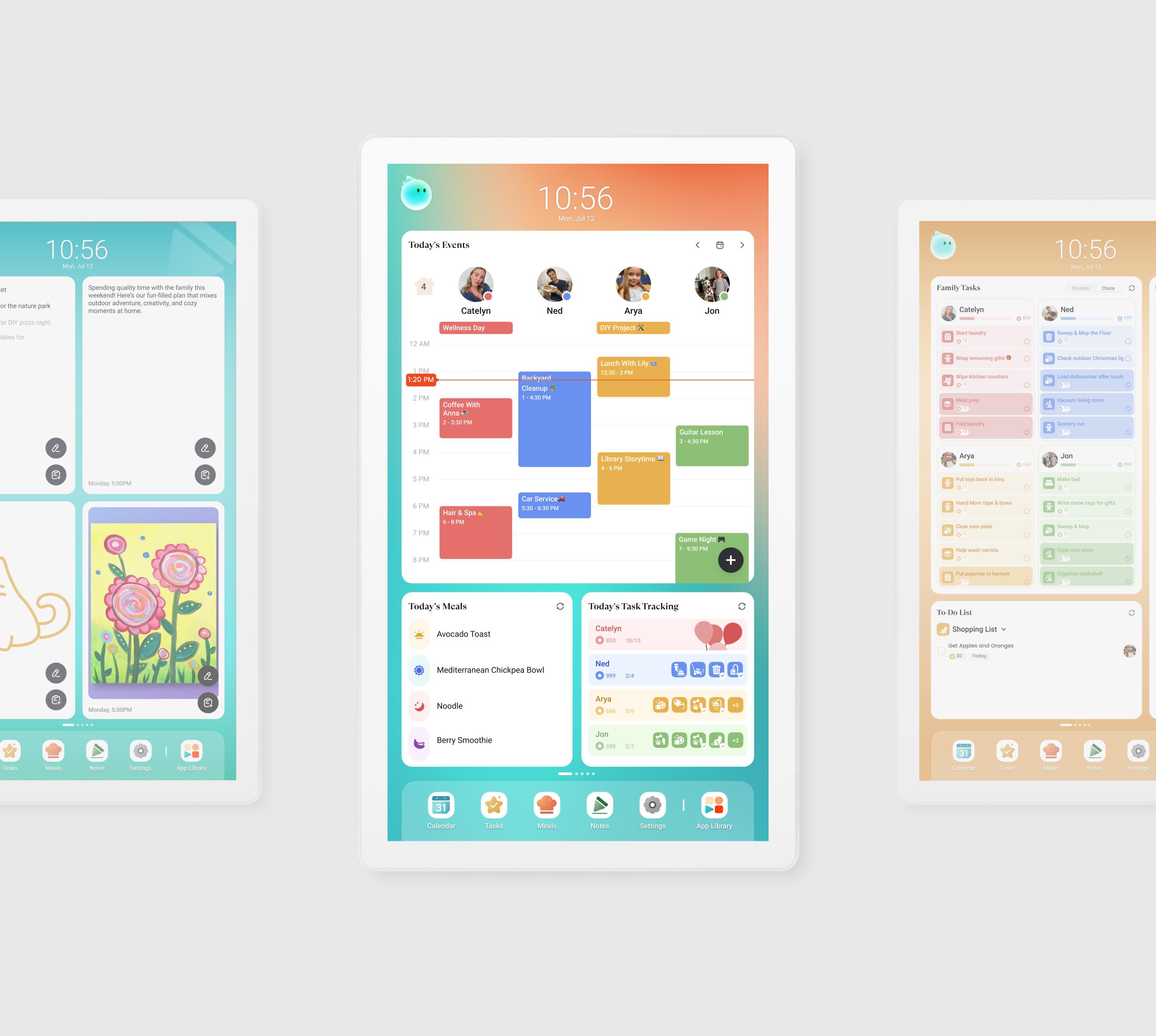
Page Templates
Start fast with ready-made templates. Quickly create, edit, or delete your own templates to match your family's unique routines or goals.
App Store
Curate your own family hub with millions of apps from the Google Play Store.
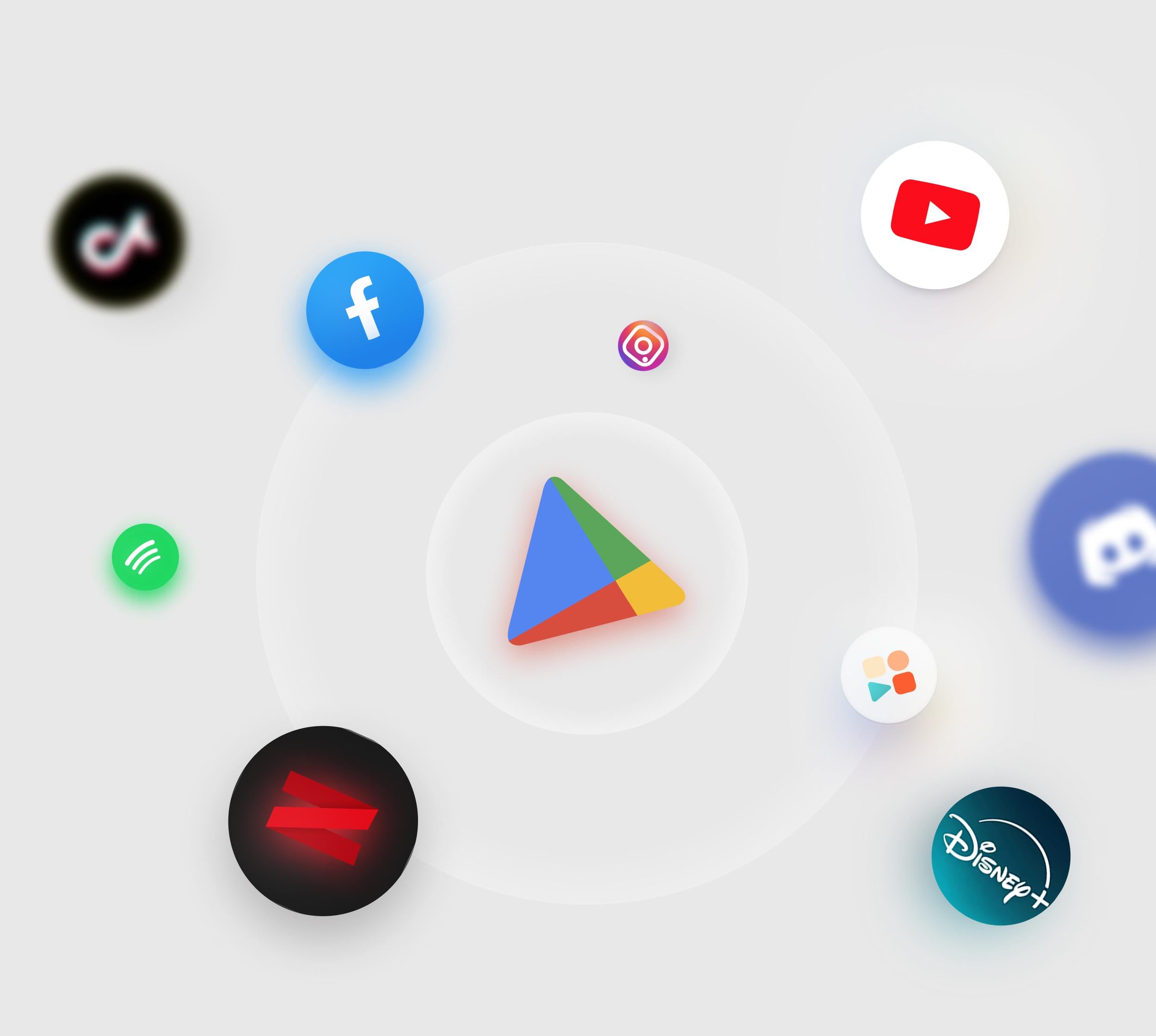
Endless Choices
Get everything your family needs in our pre-installed app store. Explore the app store with limitless possibilities—from learning tools to entertainment.
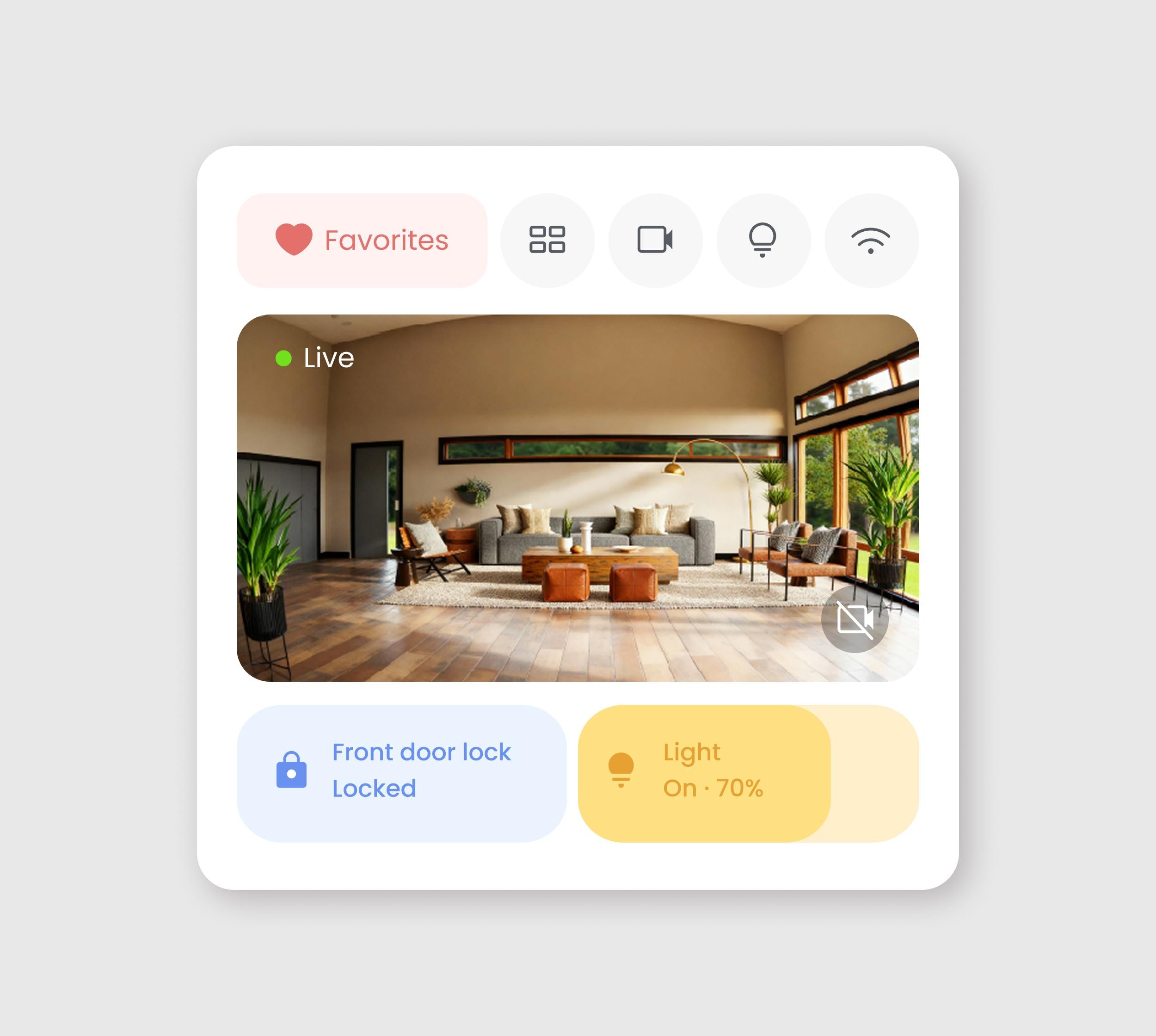
Smart Home Hub
Works with both the Amazon Alexa and Google Home ecosystem, along with any other platforms that are compatible with CalendarOS.
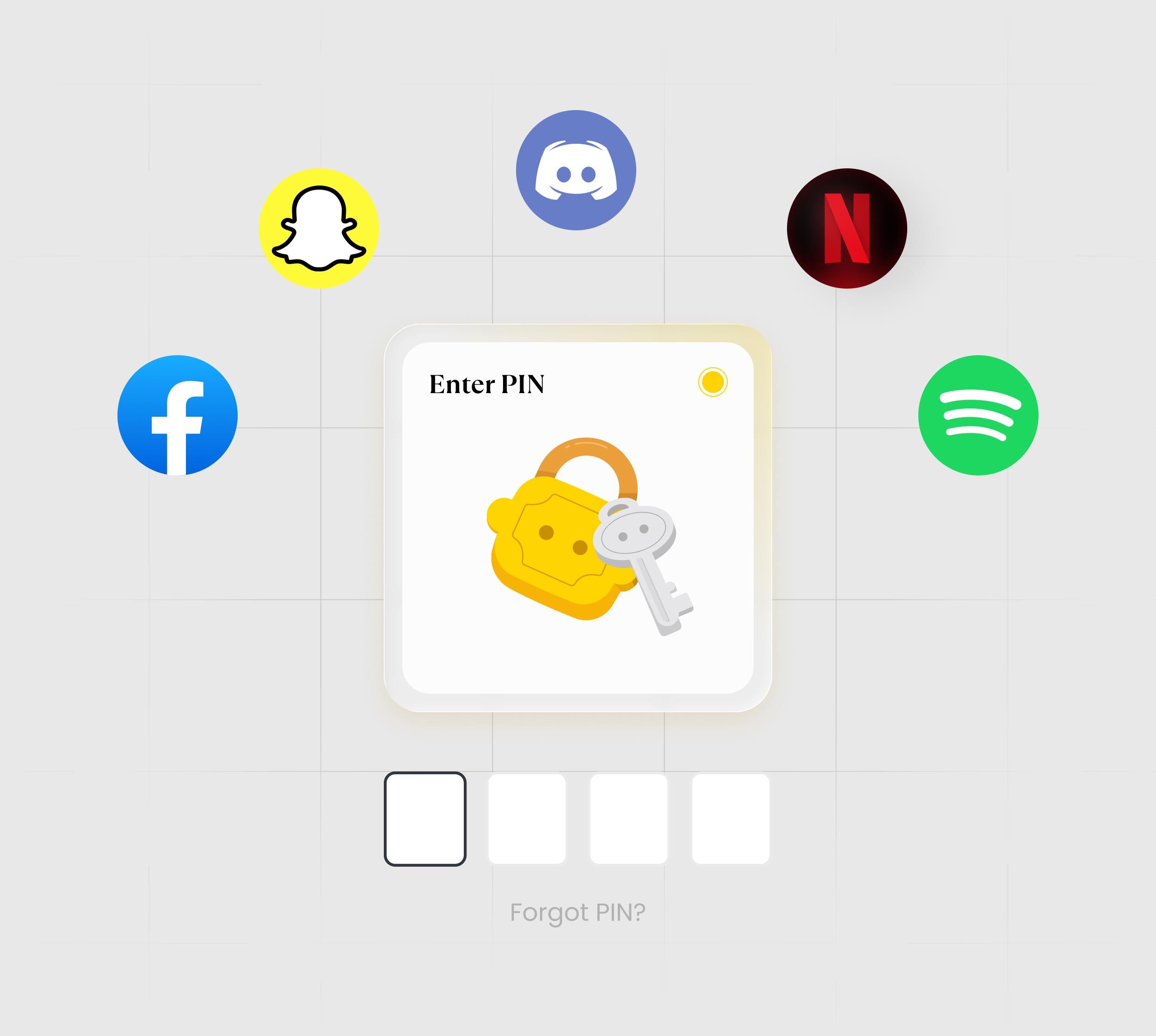
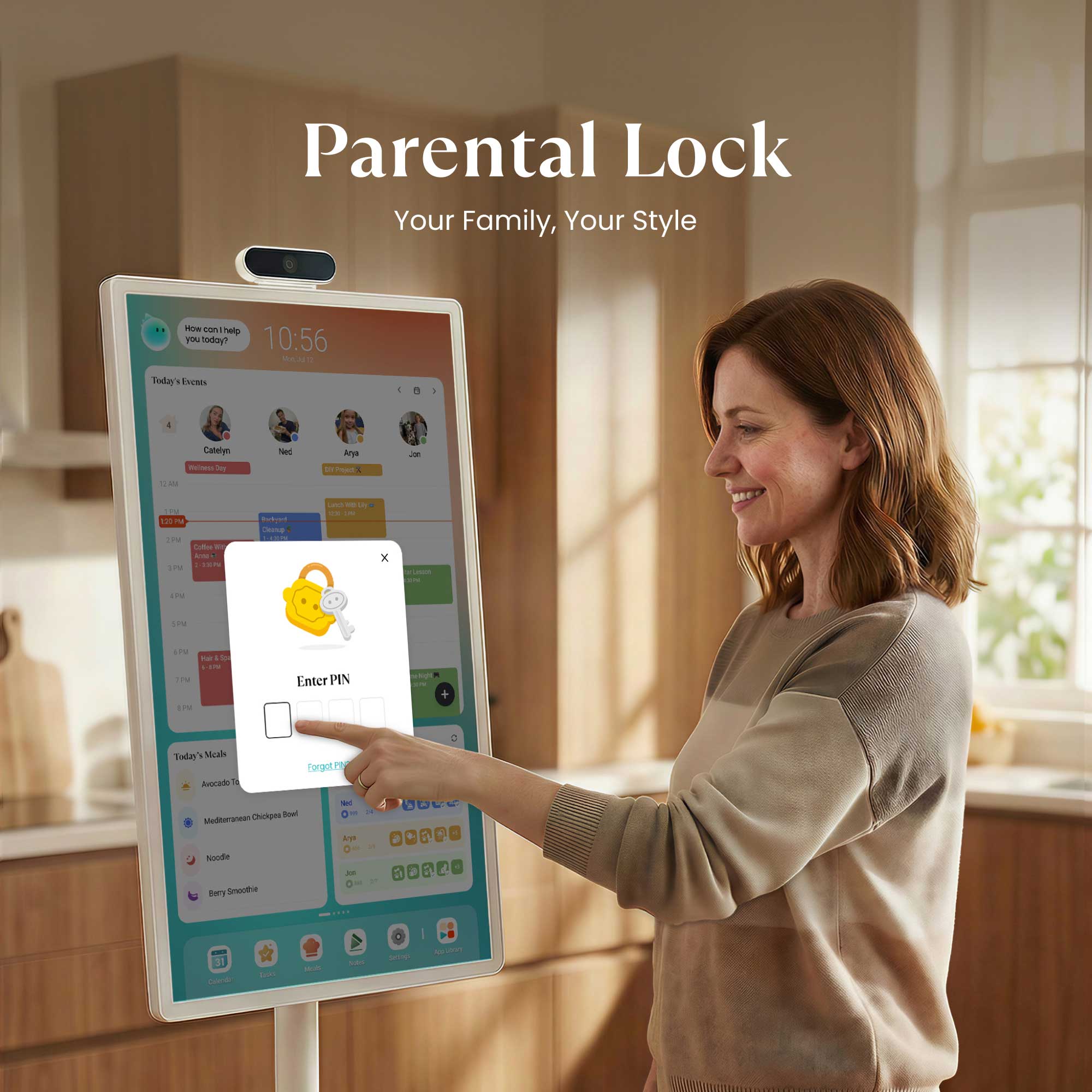
Parental Lock
Keep screen time balanced. Easily set limits and screentime for app usage. Access outside these hours requires your permission, protecting focused family time.
And More to Explore
All the extra perks that come along with your Cozyla Calendar Plus 2!
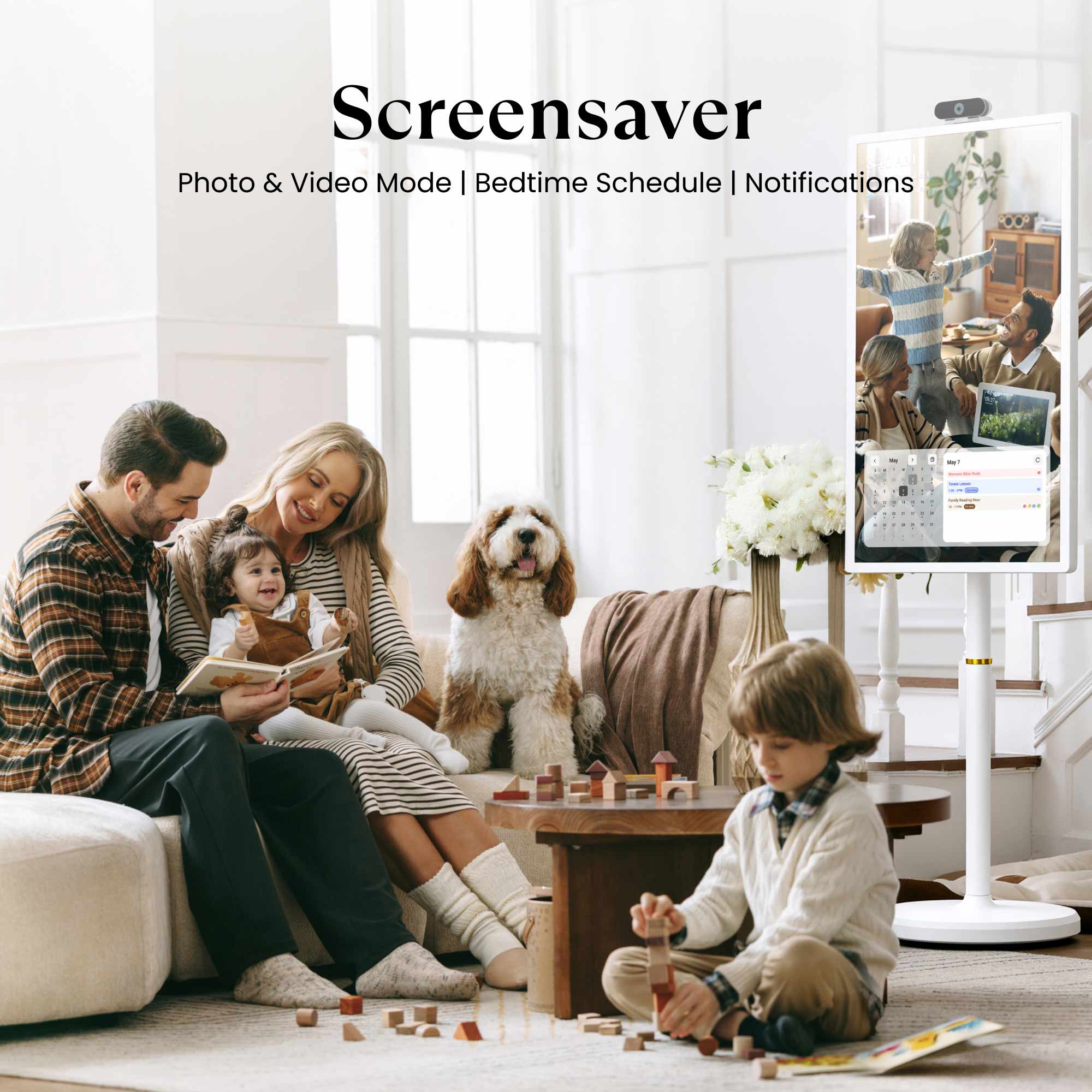
Screensaver
Turn idle time into a slideshow of your favorite family moments, from both photos and videos.
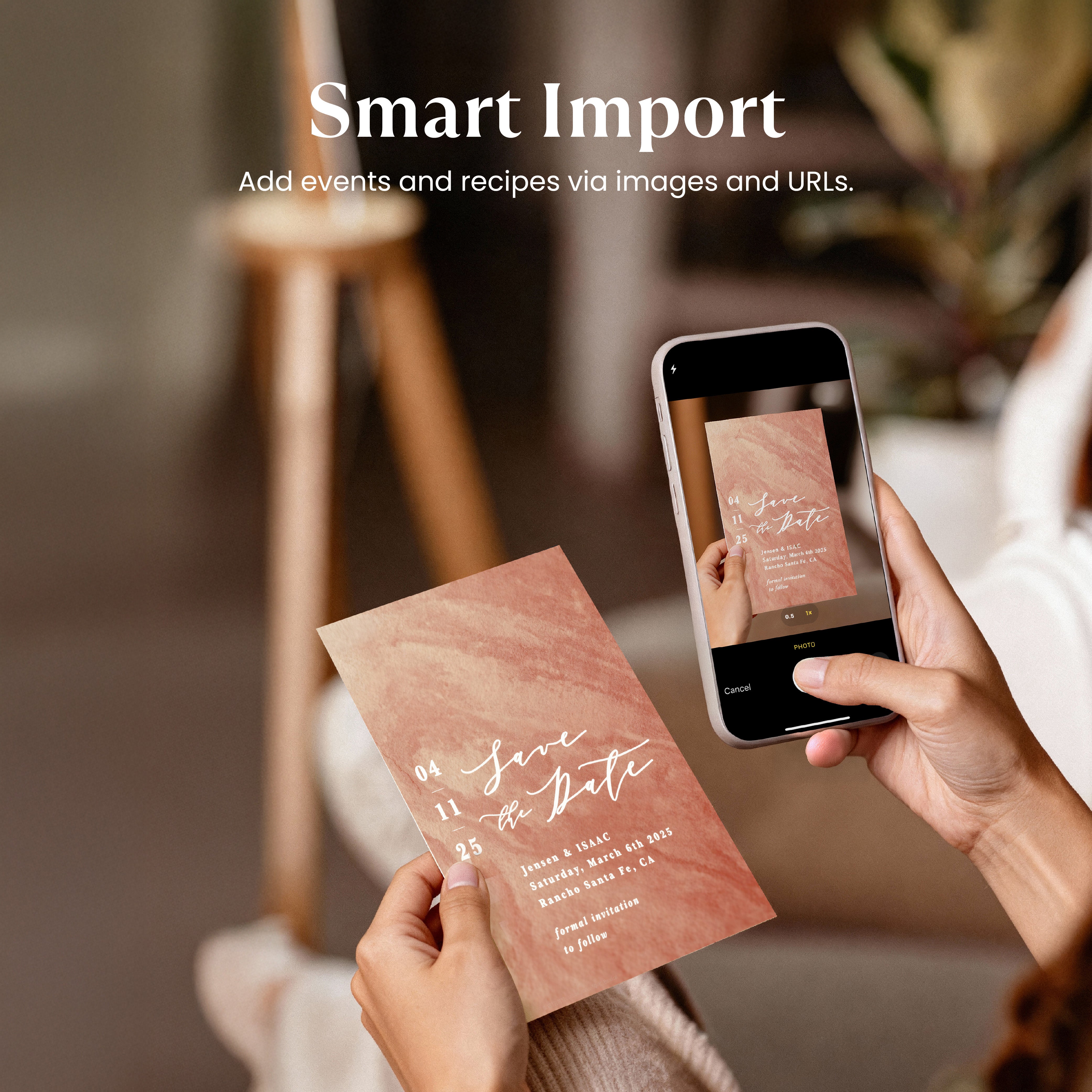
Smart Import
Instantly capture anything in seconds. Just paste a single URL or snap a photo—recipes, calendar events and more! Go from exploring ideas to organizing your day in one tap.
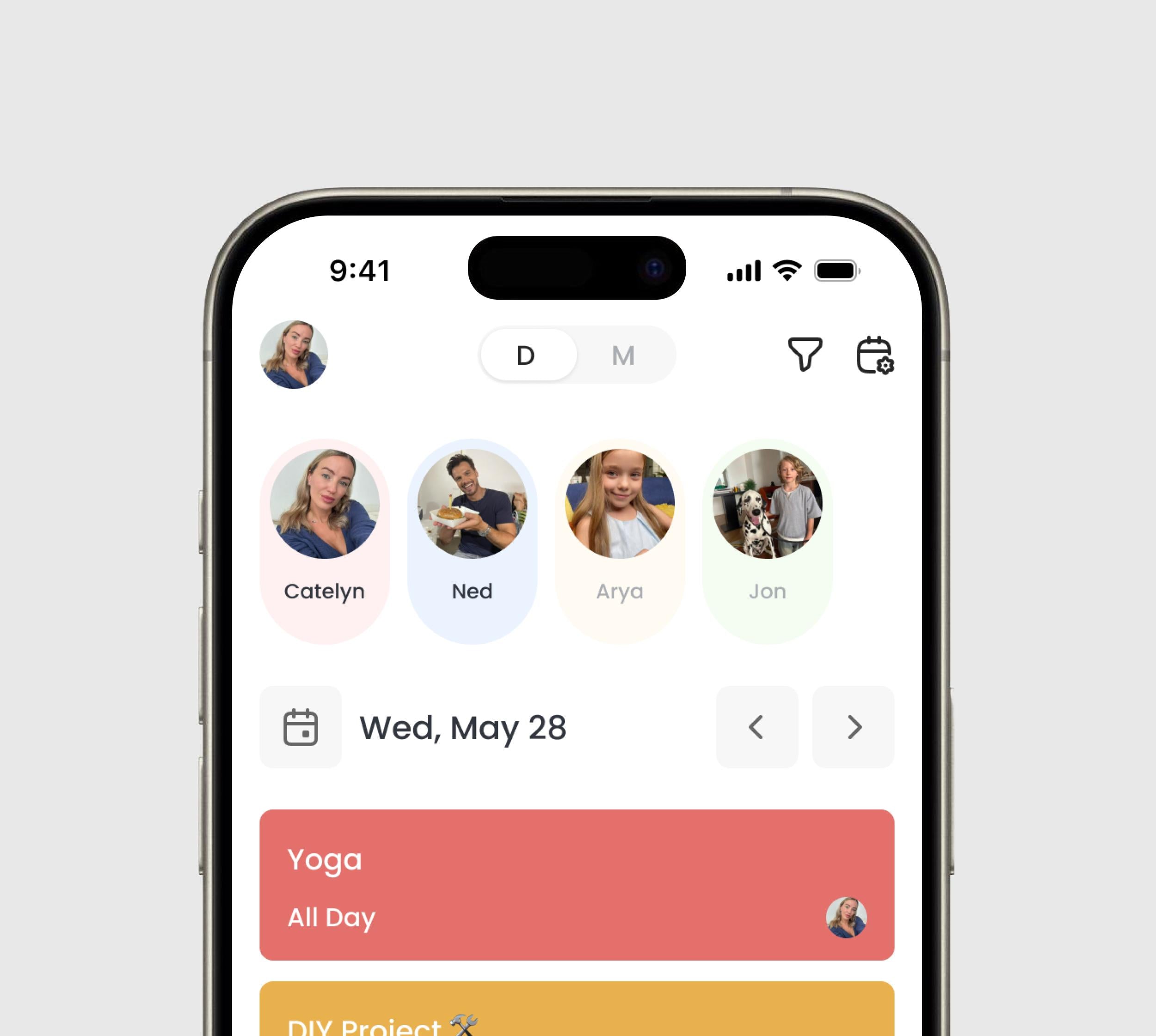
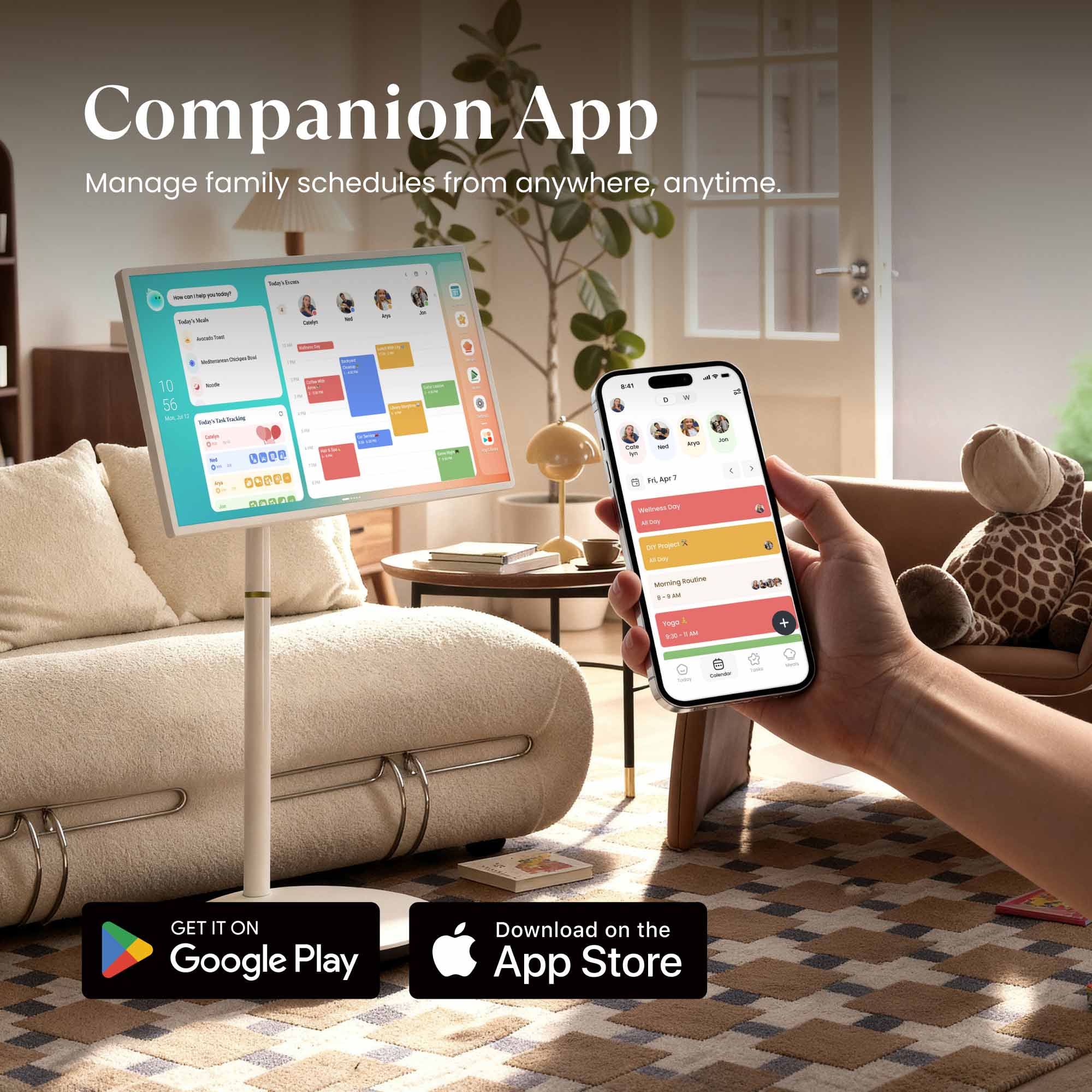
Companion App
Stay connected, even on the go. Manage every aspect of your family life—calendars, tasks, and meals. Anytime, anywhere right from your phone with Cozyla+.
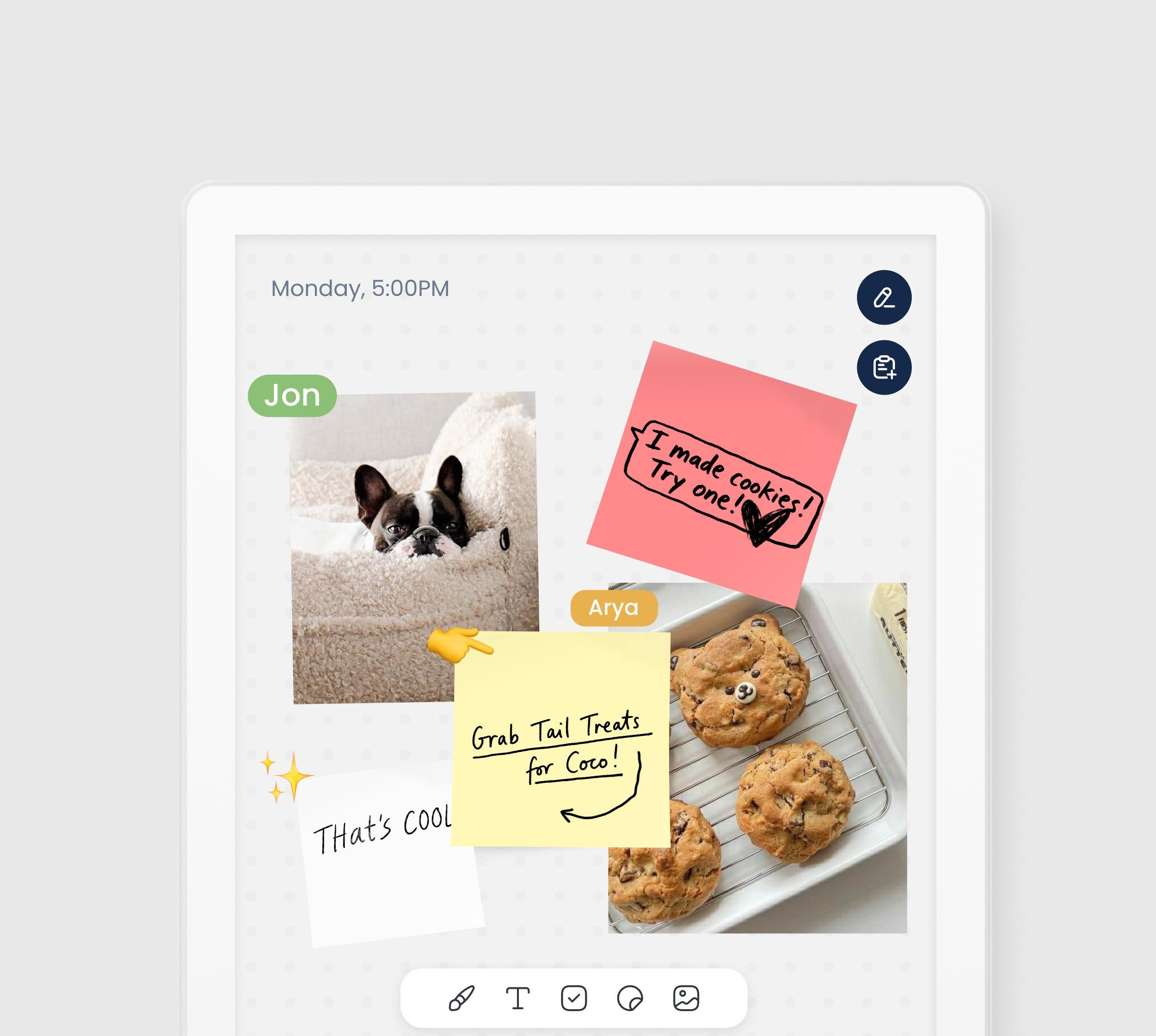
Notes
Your canvas for creativity and productivity. Insert photos, stickers, or sketches into your notes. Then, instantly share your ideas by exporting them as images.
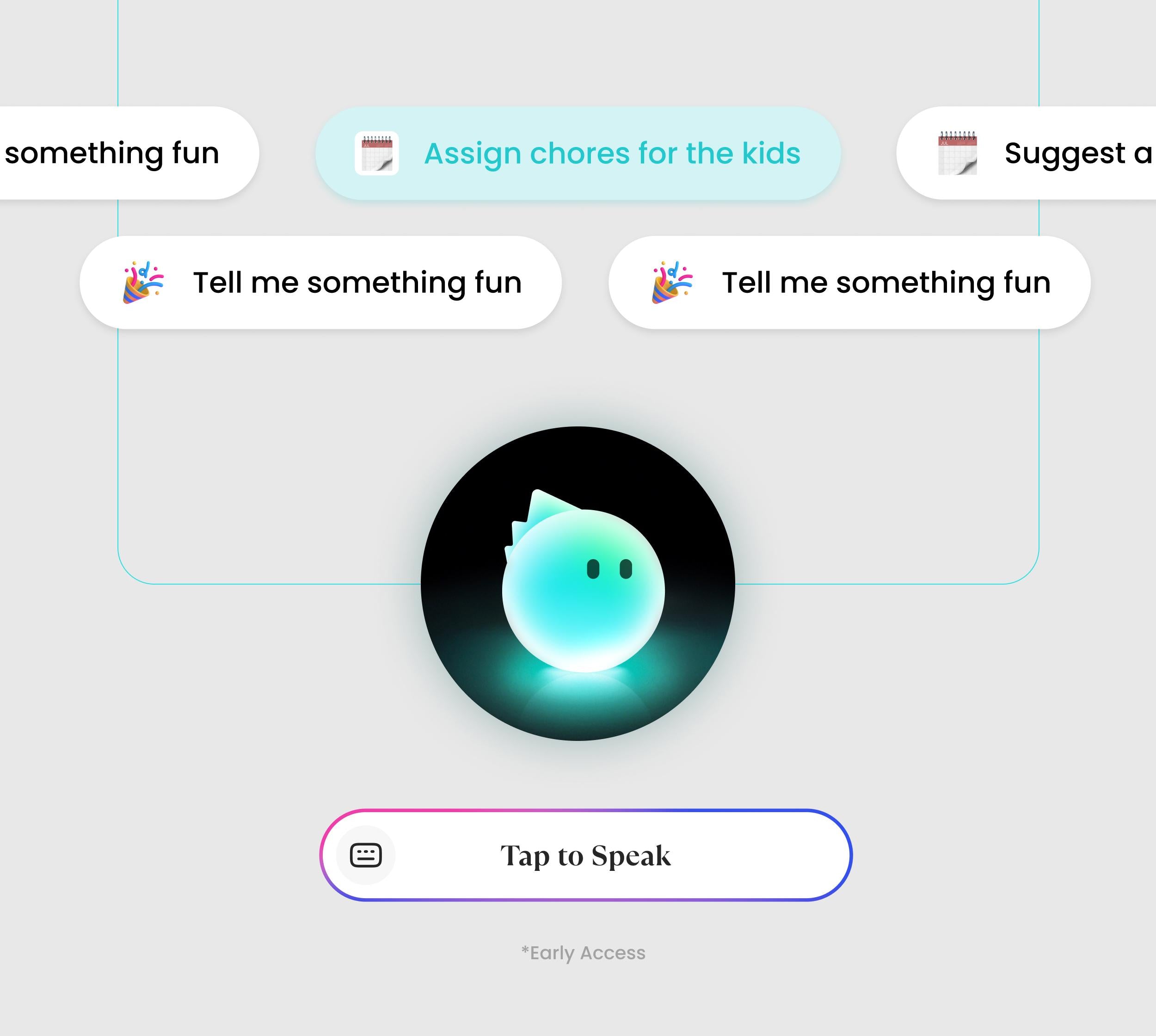
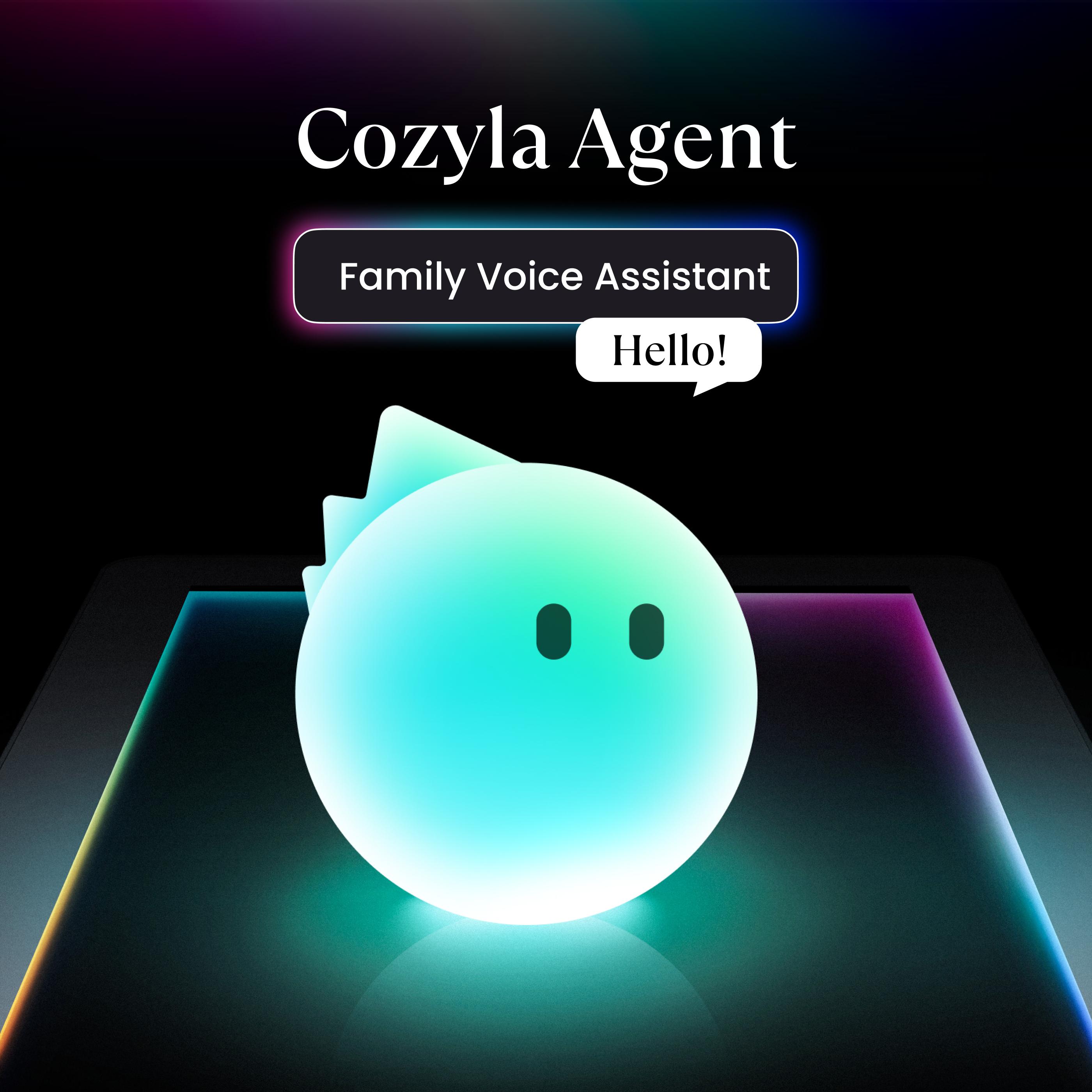
Cozyla Agent
Your family voice assistant that plans everything with only a sentence, edits your requests on the fly, and creates personalized recommendations just for your family.
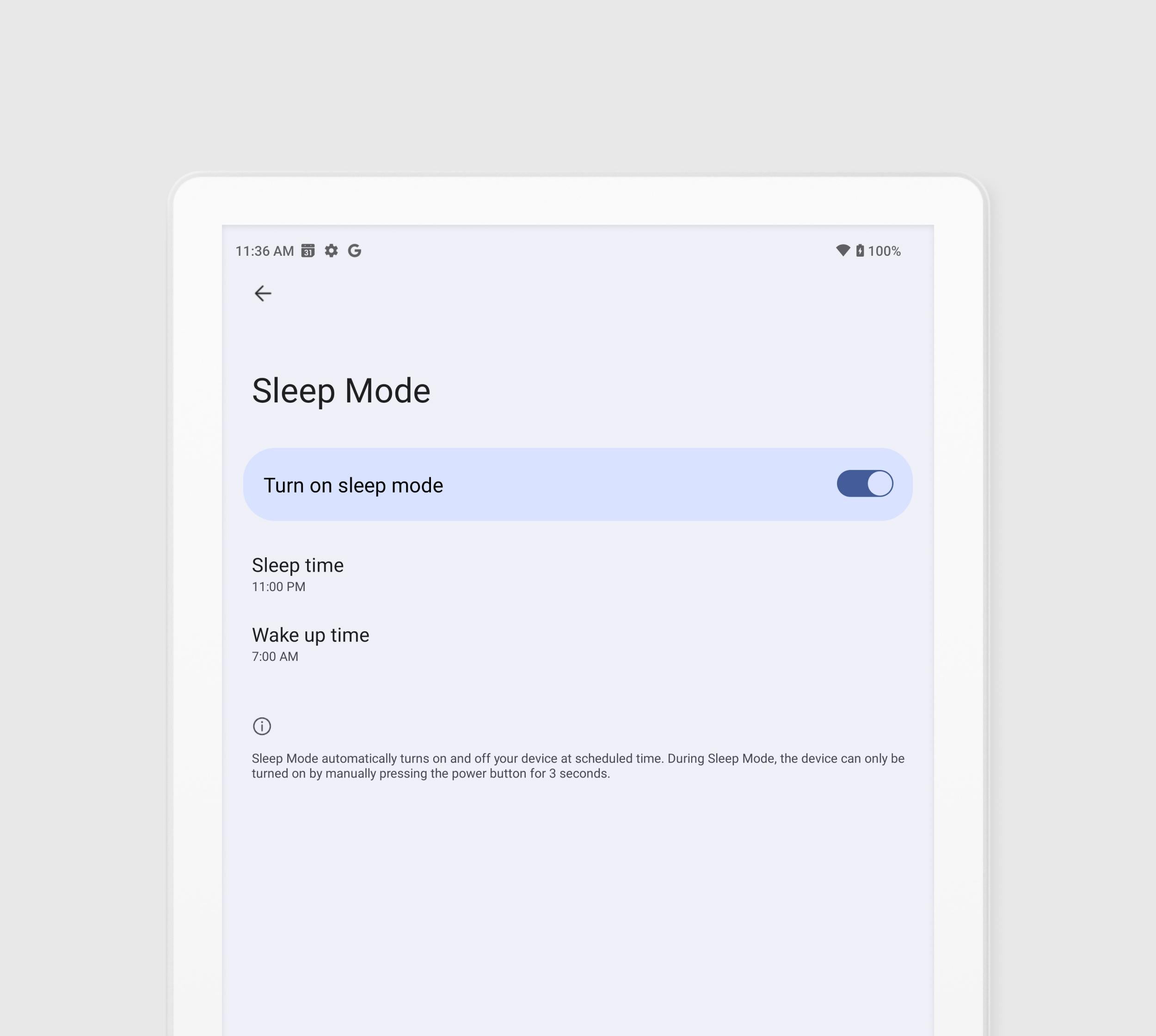
Sleep Mode
Set it and lay back. Schedule exactly when the screen powers down for the night and wakes up in the morning. Rest easy knowing your screen time is controlled.
Find your Calendar Plus
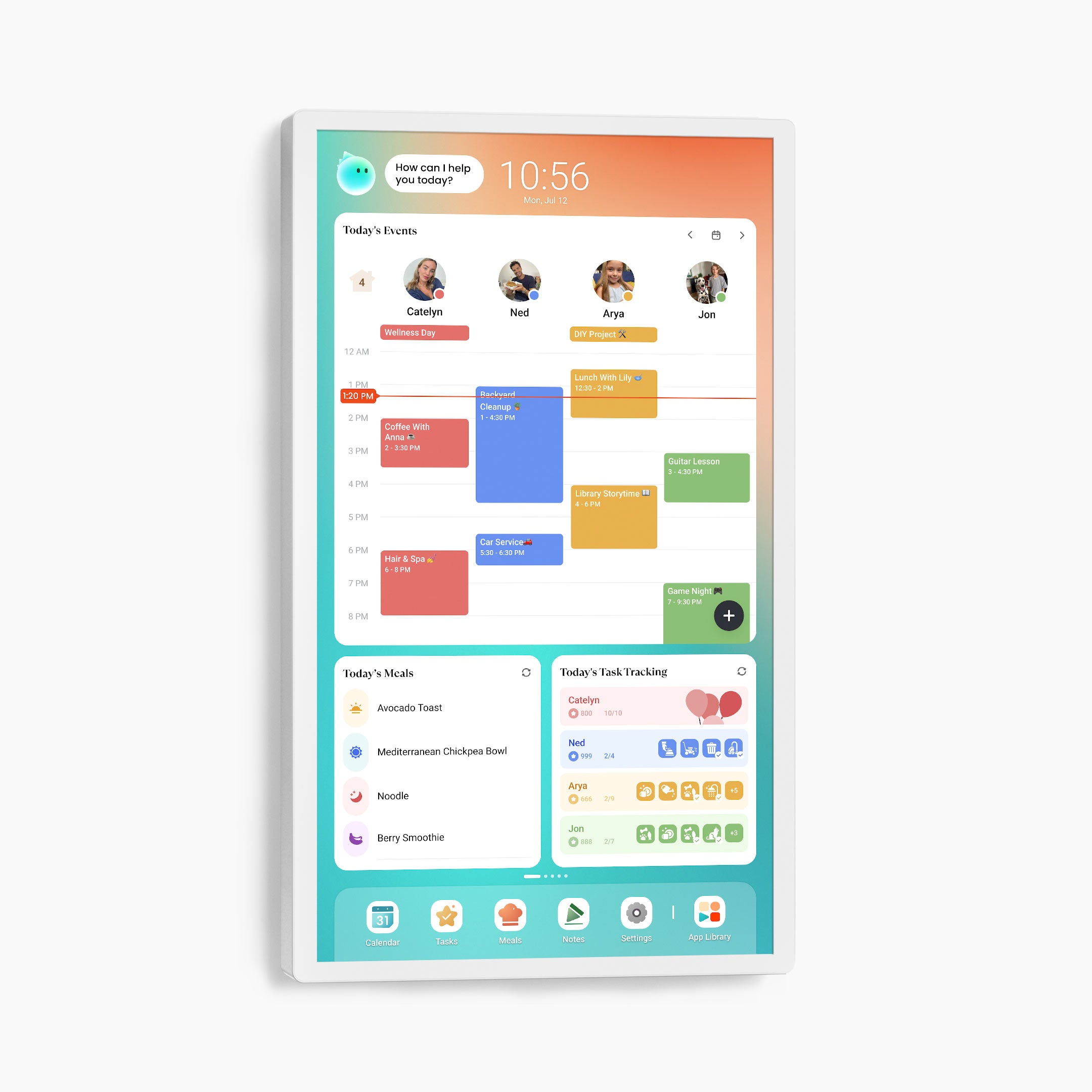
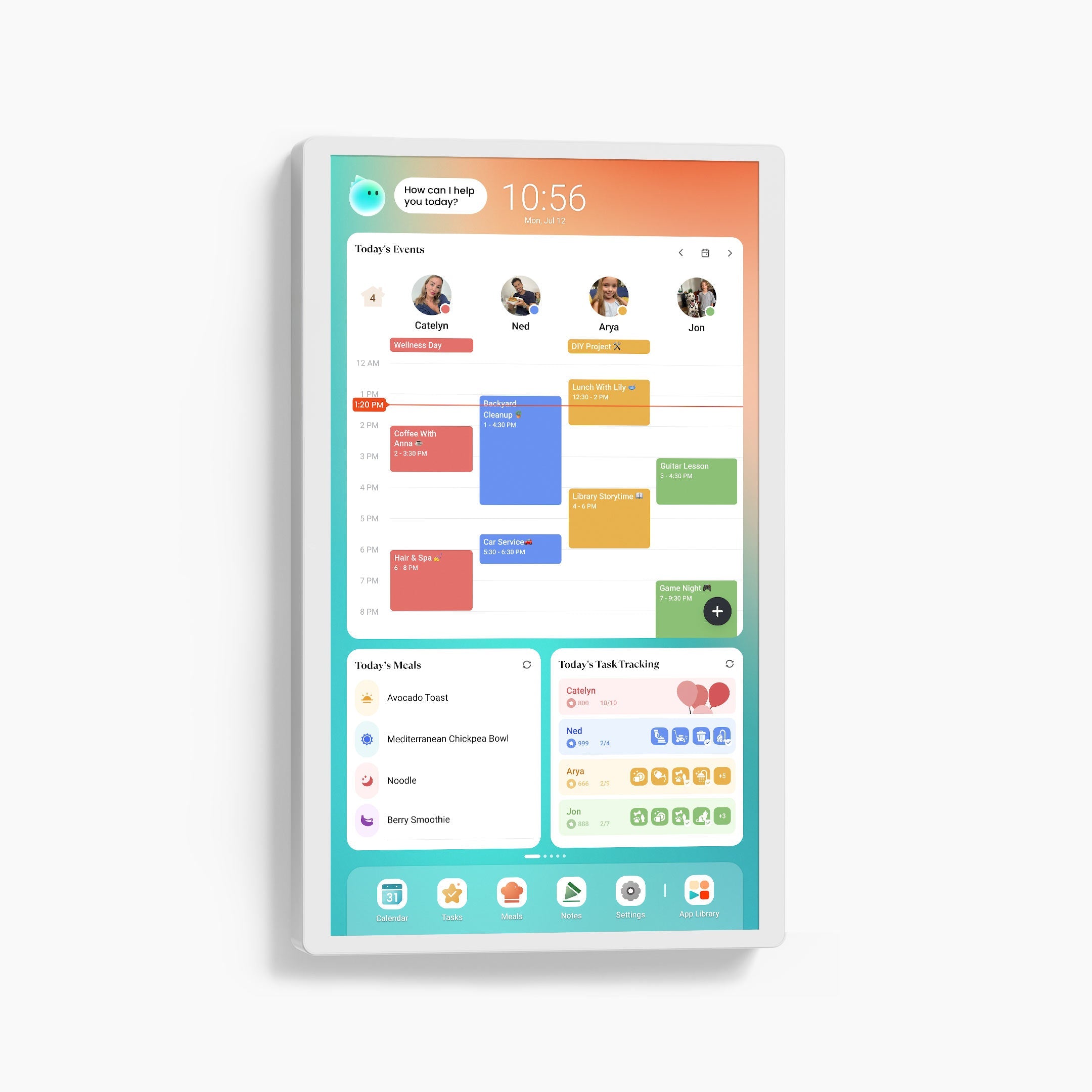
Device Dimensions
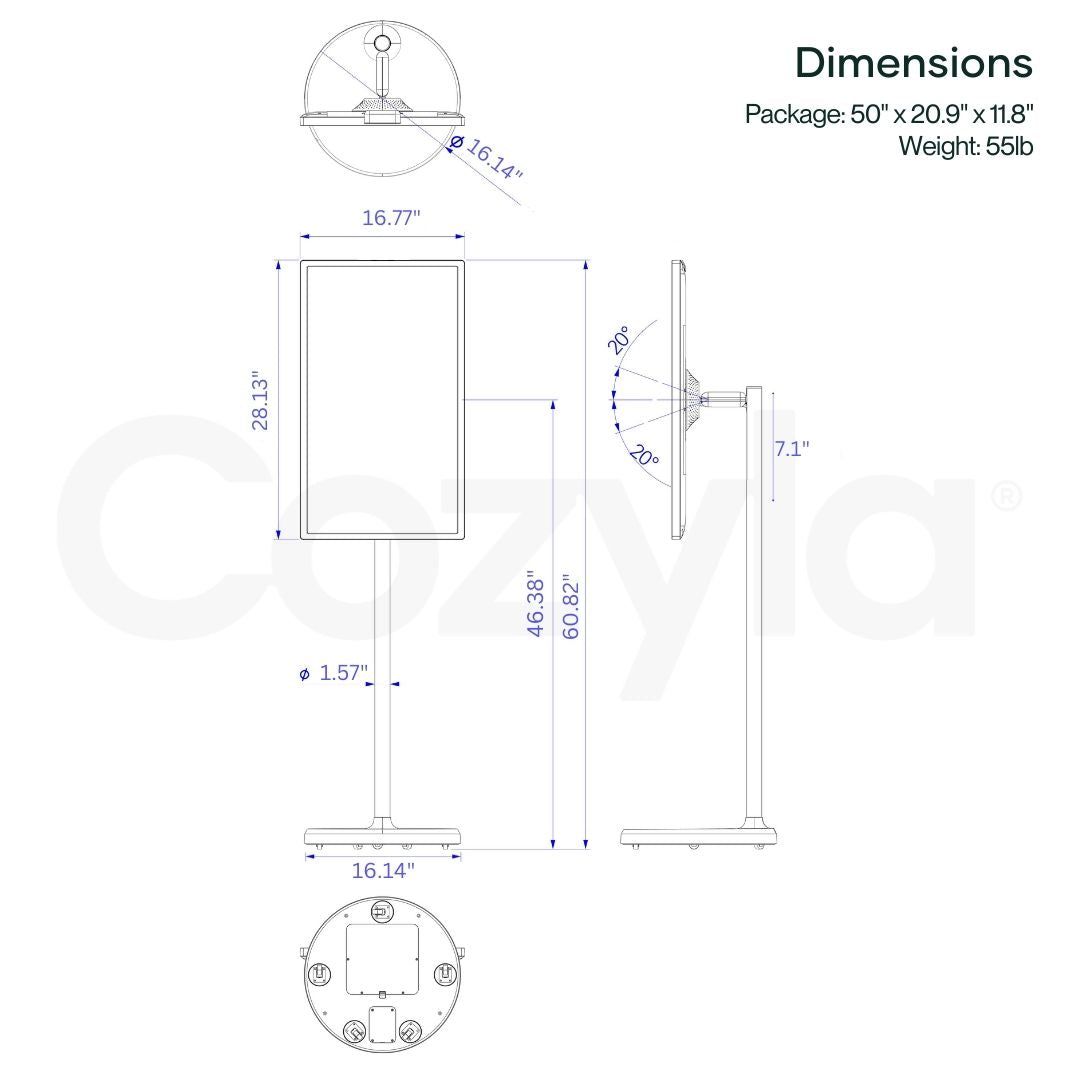
733.4×38×432 mm
7.6 kg
Device Dimensions
733.4×38×432 mm
6.8 kg
Device Dimensions
575.2×32.2×344.7 mm
4.7 kg
Resolution
1080P FHD (1920x1080)
4K UHD (3840x2160)
Resolution
1080P FHD (1920x1080)
4K UHD (3840x2160)
Resolution
1080P FHD (1920x1080)
Anti Glare
✔️
Anti Glare
✔️
Anti Glare
✔️
CalendarOS
Pre-Installed
CalendarOS
Pre-Installed
CalendarOS
Pre-Installed
Google Play App Store
Pre-Installed
Google Play App Store
Pre-Installed
Google Play App Store
Pre-Installed
Suggested Placement
Foyer, Hallway, Living Room
Suggested Placement
Anywhere in your home
Suggested Placement
Foyer, Dining Area
Rotating Wall Mount
Included
Rotating Wall Mount
Supported
Rotating Wall Mount
Included
Tabletop Stand
Supported
Tabletop Stand
Not Supported
Tabletop Stand
Supported
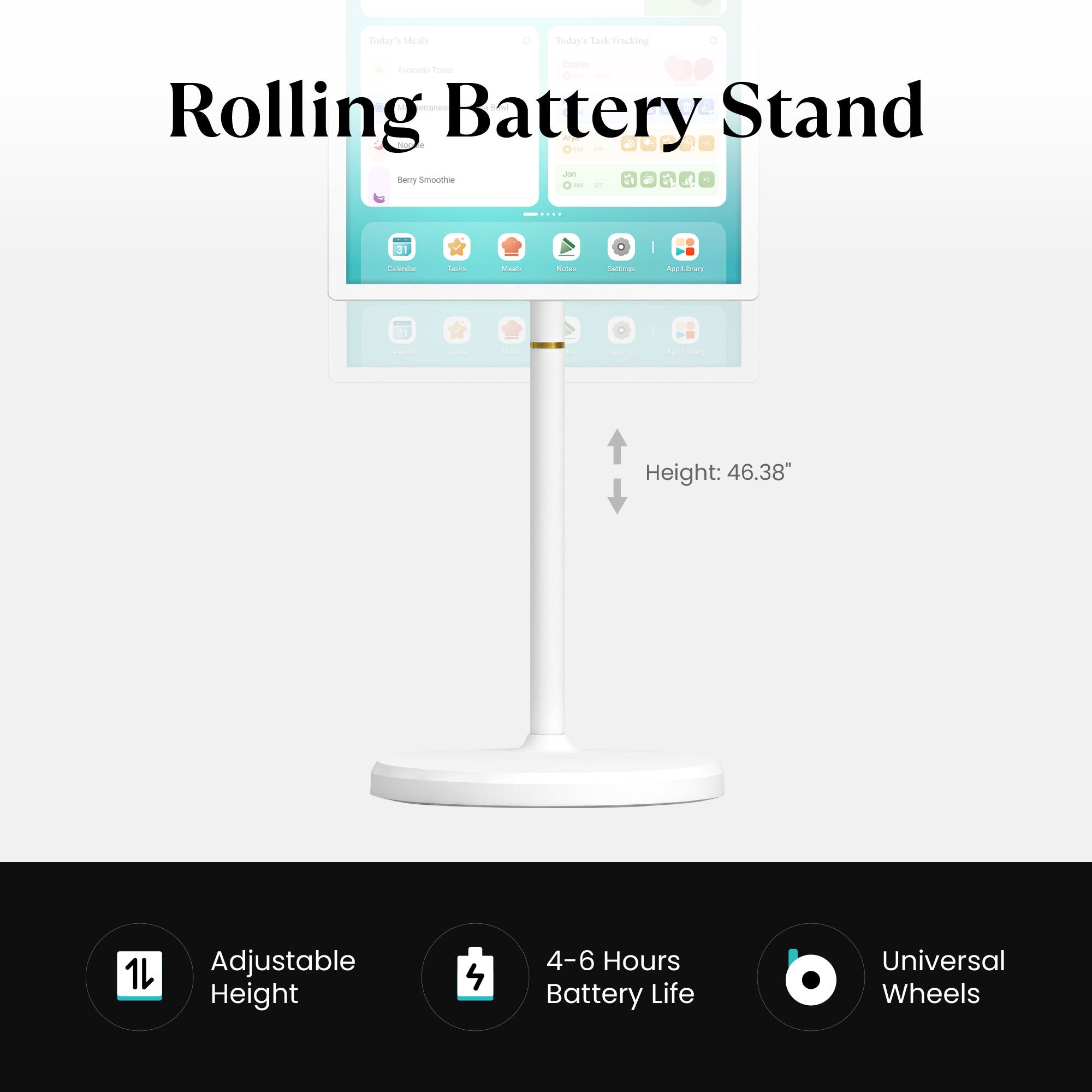
Rolling Battery Stand
1080P: Supported
4K: Not Supported
Rolling Battery Stand
Included
Rolling Battery Stand
Not Supported
Webcam
Not Supported
Webcam
1080P: Not Supported
4K: Included
Webcam
Not Supported
Power
AC Power Only
Power
Built-in Battery + AC Power
Power
AC Power Only
Bluetooth
5.0
Bluetooth
1080P: 5.0
4K: 5.3
Bluetooth
5.0
Wi-Fi
Wi-Fi 6
Wi-Fi
Wi-Fi 6
Wi-Fi
Wi-Fi 5
I/O
1080P: USB Type C x 1 (Data Transfer & ADB)
4K: USB Type C x 1 (ADB ONLY), USB Type A x 2 (2.0 x 1, 3.0 x 1)
I/O
1080P: USB Type C x 1 (Data Transfer & ADB)
4K: USB Type C x 1 (ADB ONLY), USB Type A x 2 (2.0 x 1, 3.0 x 1), HDMI In x 1
I/O
USB Type C x 1 (Data Transfer & ADB)
See Real Families
in Action


FAQs
How do I choose the right Cozyla model and screen size for my family and space?
The 32-inch model is our most popular choice, offering the best visibility in kitchens and shared spaces; if you need mobility, the 32-inch Calendar Plus Go provides the same experience with a rechargeable rolling stand. The 24-inch version is a good fit for medium-size areas and can also be wall-mounted for a cleaner setup. The 15.6-inch model is best for small counters or desks, making it a compact option for tighter spaces.
Can I sync my existing calendars and the family's with Cozyla?
Yes! Cozyla supports auto-syncing with Apple, Google, Outlook, CalDAV, and URL-based calendars. We also support true two-way sync, so any edits you make on our device will automatically sync back to your phone.
How many family member's profiles are supported?
Cozyla supports up to 8 user profiles. Within each profile, there’s no limit to the number of calendar accounts you can sync.
Can it be used as a photo frame?
Yes. Kindly use the screensaver feature on your Cozyla to display photos.
Can Cozyla function as a smart home hub?
Yes. Cozyla can control smart devices through apps like Google Home & Amazon Alexa — simply download the app and manage your lights, cameras, and more directly from the display.
Are there any voice command capabilities, such as Google Assistant or Alexa?
Yes. We support both Google Assistant and Alexa.
Does it support streaming media apps?
Yes. The device supports a wide range of popular streaming apps, including video and music services. You can easily install them from the built-in app library and enjoy the same entertainment your family already loves.
How does Cozyla protect my privacy and data?
At Cozyla, safeguarding your privacy is our highest priority. All services are hosted on Amazon Web Services (AWS) in the United States, where your data is securely stored and protected by industry-leading standards. Your personal information is never sold to third parties, and every feature of Cozyla is designed with transparency and security at its core.